How to Use ChatGPT for Task Management?

You already have ChatGPT open in a tab. It's been open since March. So the obvious question is whether it can just run your to-do list too, and save you from installing yet another app with a pastel logo.
Short answer: partly. ChatGPT is very good at the thinking half of task management. It's mediocre at the remembering half. Once you know which half is which, it gets a lot more useful 🙂
Quick answer: can you use ChatGPT for task management?
Yes, for planning. Not really as your system of record. Here's the real split:
- ChatGPT is good at: turning a messy brain dump into a clean list, breaking vague projects into steps, prioritizing, estimating time, drafting a day plan, and running your weekly review with you.
- ChatGPT is weak at: being the one place your tasks live. It has no real checkbox list, no due-date view, and its scheduled reminders are capped
- Best setup for most people: use a ChatGPT Project as your "task brain" for planning sessions, and keep the actual list somewhere that can hold it (a task app, your calendar, or an AI assistant built around tasks).
What ChatGPT can actually do for your tasks
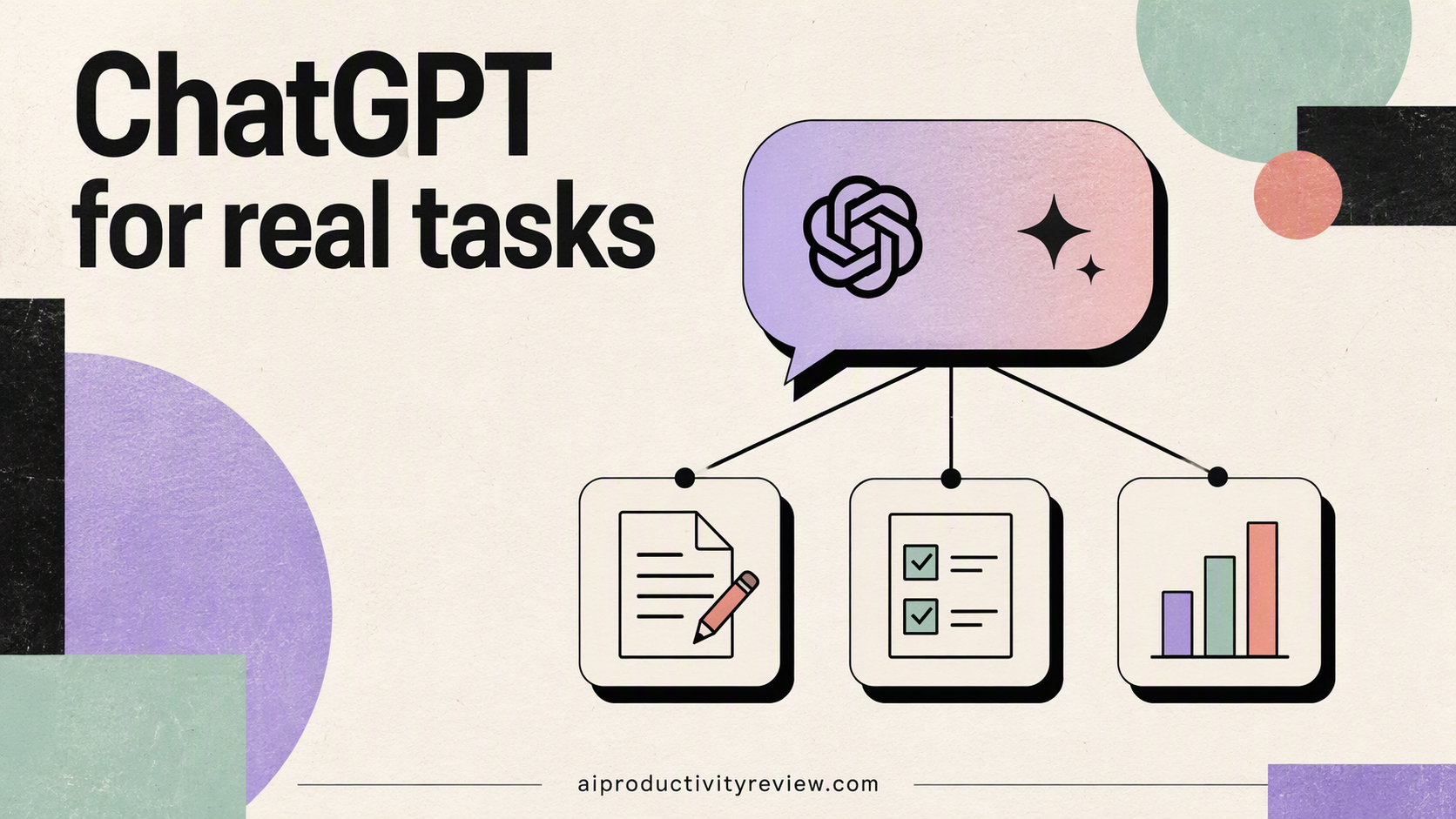
Before building anything, it helps to know which ChatGPT features matter here. Four of them do.
Projects (your task "home base")
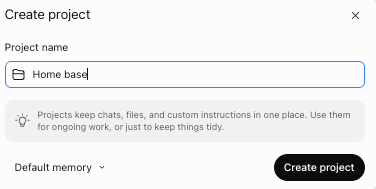
Projects in ChatGPT group related chats, files and custom instructions together. They're available on every plan, including Free.
For task management, this is the feature that matters. It means you stop re-explaining your job, your priorities and your weird Tuesday schedule every single morning.
Scheduled tasks (reminders, sort of)
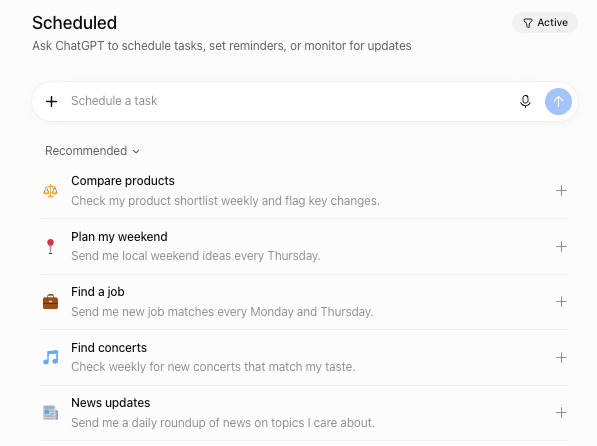
ChatGPT can run a prompt on a schedule and ping you with the result by push notification or email. According to OpenAI's documentation:
- Free and Go: 3 active tasks, once a day at most, with loose timing (morning, afternoon, night)
- Plus: 5 active tasks, with exact times and hourly schedules
- Business/Edu: 10. Pro/Enterprise: 15
- Event-triggered tasks (run when something happens elsewhere) need a paid plan
Read those numbers again. Five reminders. If your to-do list has five items, congratulations, and also, I don't believe you. So treat scheduled tasks as routines ("send me my morning plan at 7:30"), never as per-task reminders.
Memory
ChatGPT can remember facts across chats (your role, your working hours, that you hate meetings before 10). Useful for context. Useless as storage. Memory is not a database, and you can't ask it "show me everything overdue" and trust the answer.
Connectors (calendar and email)
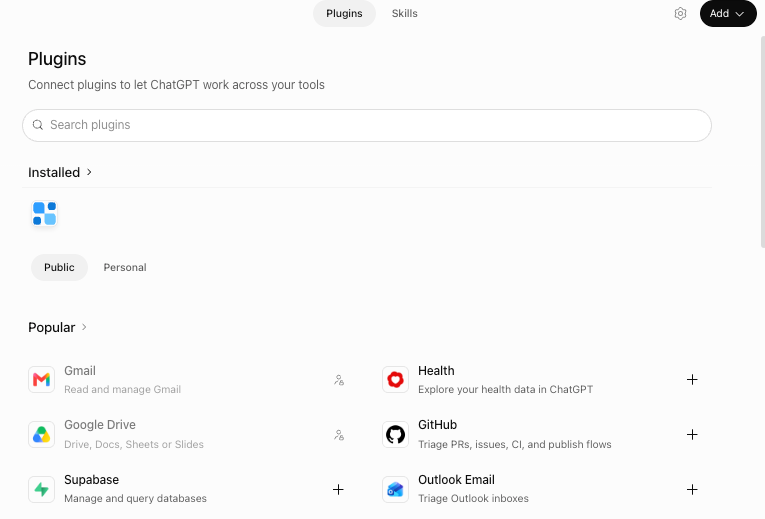
ChatGPT can connect to Google apps, including Google Calendar, depending on your plan and, at work, on what your admin allows. When it works, ChatGPT can see your real schedule while it plans. That fixes the classic failure where it happily assigns you nine hours of deep work on a day with six meetings.
The 5-step ChatGPT task management system
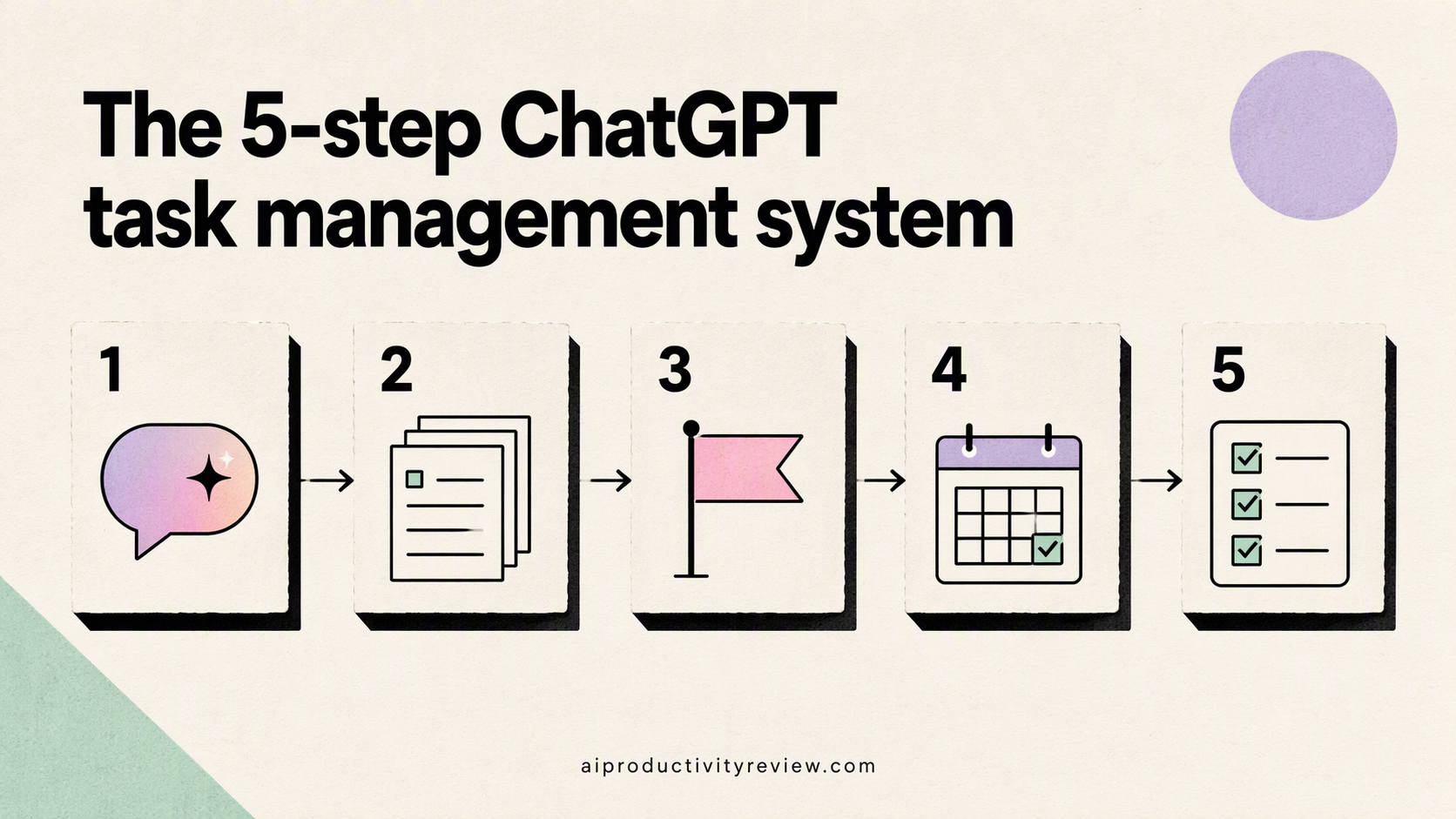
This is a simple setup you can finish in about 20 minutes. It follows the same capture → clarify → schedule → review loop we use in our main guide to AI for task management, just adapted to ChatGPT's quirks.
Step 1: Create a "Tasks" project with real instructions
Make a new Project called something like "Task HQ". Then paste instructions along these lines into the project settings:
You are my task manager. Context:
- I work [your hours, e.g. 9–5:30, Mon–Fri].
- My top 3 priorities this quarter: [1], [2], [3].
- I have about [X] hours of focus time per day after meetings.
- I work best on hard tasks in the [morning/afternoon].

Rules:
- When I dump tasks, return a clean list grouped by project.
- Every task must start with a verb and be doable in one sitting.
- Flag anything vague and ask me one question about it.
- Never schedule more than [X] hours of focused work in a day.
- When I say "plan today", give me max 3 must-dos and a short "if there's time" list.
Step 2: Brain dump everything

Open a chat inside the project and type, or better, voice-dictate, everything that's rattling around your head. Half sentences are fine. Typos are fine. "Email Dana re the thing" is fine.
Then:
Here's my brain dump. Turn it into a task list grouped by project.
Mark anything that's actually a project (more than one step) with [P].
List anything that's an idea, not a task, separately at the bottom.
If you want a deeper version of this step, we have a full walkthrough on how to brain dump with AI.
Step 3: Break projects into steps you can start
Anything tagged [P] gets broken down. This is where ChatGPT shines brightest.
Break down "[project]" into steps.
Each step: starts with a verb, takes under 60 minutes, has a clear "done" signal.
Put the smallest possible first step at the top, something I could do in 5 minutes.
That last line matters. "Plan Q4 offsite" is not startable. "Open a doc and list 3 possible dates" is.
More prompts like this live in our guide to breaking down a task with AI.
Step 4: Prioritize and plan the day
Now ask ChatGPT to pick. Without a filter, everything looks urgent.
Here's my task list and today's calendar: [paste or let it read the connected calendar].
Pick my top 3 for today using impact vs. effort.
For each, tell me why in one line.
Then build a simple time-blocked plan around my meetings.
Write each block as "At [time], I will [task] in [place]."
If the "pick 3" part is where you get stuck, our post on how to prioritize tasks with AI goes much deeper on frameworks. For the full morning routine, see how to plan your day with AI.
Step 5: Set up two scheduled tasks

Use your limited scheduled-task slots for routines, not reminders:
- Morning plan (weekdays): "Every weekday at 7:45, ask me what's on today, then help me pick my top 3."
- Friday review: "Every Friday at 4pm, walk me through a 15-minute weekly review: what got done, what slipped, what's next week's top 3."
That's two slots. Free users still have one left over for something like "Sunday evening: remind me to brain dump for the week."
The weekly review is the step most people skip and the one that keeps the whole thing alive. Our weekly review with AI guide has a ready-made script.
Where ChatGPT falls apart as a task manager
1. Your list lives inside chat history
There's no master list. Tasks get scattered across dozens of chats. Ask "what's still open from last week?" and ChatGPT may reconstruct it from memory, or it may confidently forget two things. You can't check items off and watch them vanish.
2. Reminders are capped
Covered above. Three to fifteen active scheduled tasks, depending on plan, is not a reminder system for real life. Your dentist appointment needs a calendar, not a chatbot.
3. It doesn't see your notes, docs and email together by default
ChatGPT knows what you tell it. Connectors help, but the default experience is still you pasting things in. That's friction, and friction is where task systems go to die.
4. It plans; it doesn't nag
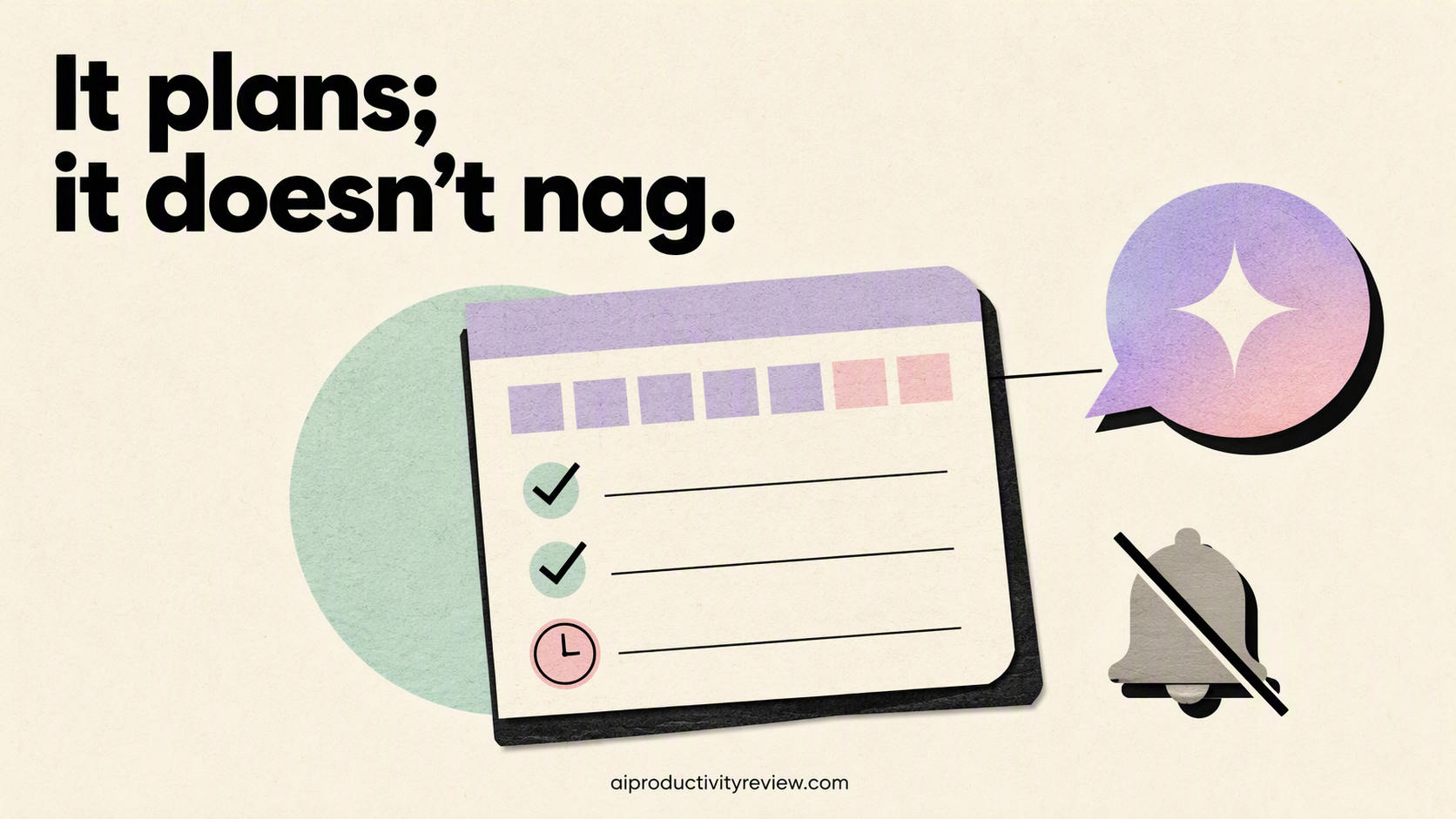
ChatGPT won't notice that you've ignored "call the accountant" for 19 days and gently bring it up. You have to ask. And if you're the kind of person who forgets to ask, that's exactly the gap that matters.
ChatGPT vs. a dedicated AI task manager: which do you need?
Here's how the options compare for day-to-day task management.
| ChatGPT (with Projects) | Classic task app (Todoist, TickTick, etc.) | AI assistant built for tasks (e.g. Saner.ai) | AI auto-scheduler (Motion, Reclaim) | |
|---|---|---|---|---|
| Turn a brain dump into tasks | Excellent | Basic or none | Good to excellent | Basic |
| Break down projects | Excellent | Manual | Good | Limited |
| One reliable master list | ❌ Weak | ✅ Strong | ✅ Strong | ✅ Strong |
| Reminders | Capped (3–15) | Unlimited | Yes | Yes |
| Sees your calendar | Via connector, plan-dependent | Some integrate | Yes | Core feature |
| Connects notes + email + tasks | Partial | No | Yes, core feature | No |
| Auto-schedules your day | You ask each time | No | Suggests a plan | Yes, automatically |
| Best for | Planning sessions, thinking things through | People who like checkboxes | People whose tasks start in notes and email | Calendar-heavy work weeks |
A rough rule of thumb:
- Stick with ChatGPT alone if your task load is light and you mostly need help thinking through work.
- Pair ChatGPT with a task app if you like your current list and just want a smarter planning step.
- Move to an AI assistant built around tasks if your tasks keep falling through the cracks between notes, email and calendar. Saner.ai, for example, pulls tasks out of your notes and email and plans your day against your calendar, which covers most of the gaps listed above.
- Add an auto-scheduler if your real problem is the calendar itself. Our Motion vs. Reclaim comparison helps you pick.
For the full field, see our roundup of the best AI task managers and, if scheduling is the bottleneck, the best AI calendar assistants.
5 mistakes people make using ChatGPT as a to-do list
- Starting a new chat every time. You lose context and your list scatters. Use one project, and ideally one running chat per week.
- Skipping project instructions. Without them, ChatGPT plans for a generic person with infinite hours. That person does not exist.
- Accepting the first plan. If the plan has 8 items, push back: "Too much. Cut to 3." It will.
- Using it as storage. Memory forgets, chats get buried. Keep the real list somewhere you can see at a glance.
- Never reviewing. A system you don't review becomes a museum of old intentions. The Friday task fixes this for about 15 minutes a week.
If procrastination, more than organization, is your real issue, read our guide to using AI to stop procrastinating.
Who should (and shouldn't) use ChatGPT for task management

Good fit:
- Freelancers and solo workers with one or two active projects
- Students juggling assignments who mainly need help breaking work down
- Anyone who already plans in chat and just wants structure around it
- People who like talking through their day more than clicking checkboxes
Probably not enough on its own:
- Managers with dozens of tasks across teams and deadlines
- Anyone whose tasks mostly arrive by email or in meeting notes
- People who need reliable reminders for many separate things
- Folks who'll forget to open ChatGPT in the first place
If you're in the second group, ChatGPT can still be your planning partner. Just give the list a better home. Our guide on how to use AI as a personal assistant covers what that bigger setup looks like.
FAQ
Can ChatGPT keep a to-do list?
Kind of. It can write and update a list inside a chat, a Canvas or a project file, and it can remember some details with memory. It doesn't have a native task list with checkboxes, due dates and filters, so it's unreliable as your only list.
Can ChatGPT remind me to do tasks?
Yes, through scheduled tasks, which send a push notification or email. But active tasks are capped by plan: 3 on Free and Go, 5 on Plus, 10 on Business and Edu, 15 on Pro and Enterprise. Use them for routines, not individual to-dos.
Is ChatGPT free for task management?
The core planning features work on the free plan, including Projects and (since August 2026) scheduled tasks, with tighter limits. Free scheduled tasks run at most once a day with flexible timing rather than an exact time.
Should I use ChatGPT or another task app?
Use both if you like. ChatGPT is better at thinking: clarifying, breaking down, prioritizing. A task app is better at holding: reminders, due dates, a list you can trust. Plenty of people plan in ChatGPT and paste the result into their task app.
Is ChatGPT good for ADHD task management?
It can help with the parts many people with ADHD find hardest, like starting tasks and breaking them down. The weak spot is that it won't proactively nudge you. We cover tools that do in our list of the best AI assistants for ADHD.



