How to Plan Your Day With AI (The 9-Minute Guide)

I've tried to plan my day with AI roughly four hundred times. I'm counting from the first week I opened ChatGPT and typed "here is my to-do list, make me a schedule," got back a beautiful eight-block day with a 6:00 AM "Deep Work Session," and then woke up at 8:40.
That schedule was perfect. It was also written for a man who does not exist.
The thing that worked wasn't a better prompt. It was figuring out which parts of planning I'm bad at and handing only those parts over. Below is the exact AI system, the setup, the daily loop, and the four rules that keep it from collapsing
First, why does your daily plan keep dying?
Three things kill a plan, and only one of them is a tool problem.
- You estimate time like an optimist with amnesia. Buehler, Griffin and Ross ran the classic study on it: psychology students predicted they'd finish their honours thesis in about 34 days. They took 55.5. Only 29.7% finished by the date they'd predicted. Even when researchers asked them for a worst-case estimate, fewer than half beat it (Buehler, Griffin & Ross, 1994, Journal of Personality and Social Psychology).
Do the division. 55.5 ÷ 33.9 = 1.64. So your gut estimate is off by roughly 60%.
- Your open loops are loud. Every unfinished task you haven't written down somewhere keeps tapping you on the shoulder. Masicampo and Baumeister tested this across six experiments and found something useful: it isn't finishing the task that quiets the noise. It's making a specific plan for it. Participants who wrote a concrete plan for an unfulfilled goal had no more intrusive thoughts during a reading task than people with nothing hanging over them at all (Masicampo & Baumeister, 2011, JPSP).
Your brain doesn't need the task done. It needs proof you've decided when.
- You're planning at the wrong altitude. Most people sit down and try to plan the day, which is a 14-hour object with meetings jammed in it. Too big. You end up writing a wish list and calling it a schedule.
None of these are solved by a nicer app. They're solved by a loop. AI is good at two of the three.
What should AI actually do in your planning, and what should you keep?
| The job | Who does it | Why |
|---|---|---|
| Deciding what matters today | You | No model knows your politics, your boss, or what you're avoiding |
| Remembering what you committed to | AI | It reads your notes and email; you don't |
| Estimating how long things take | AI, corrected by you | It has your history, you have the 1.6 multiplier |
| Fitting tasks into real gaps | AI | This is arithmetic, and you're bad at it |
| Deciding what gets dropped | You | Dropping things is a values call |
| Reshuffling when a meeting lands | AI | Ten seconds of work you'll otherwise spend twelve minutes on |
| Noticing you've ignored something for nine days | AI | Your memory is the problem we're solving |
Notice that every "You" row is a judgment call and every "AI" row is bookkeeping. When people say AI planning doesn't work for them, they've usually handed over a judgment row.
The 20-minute setup for AI planning (do this once)
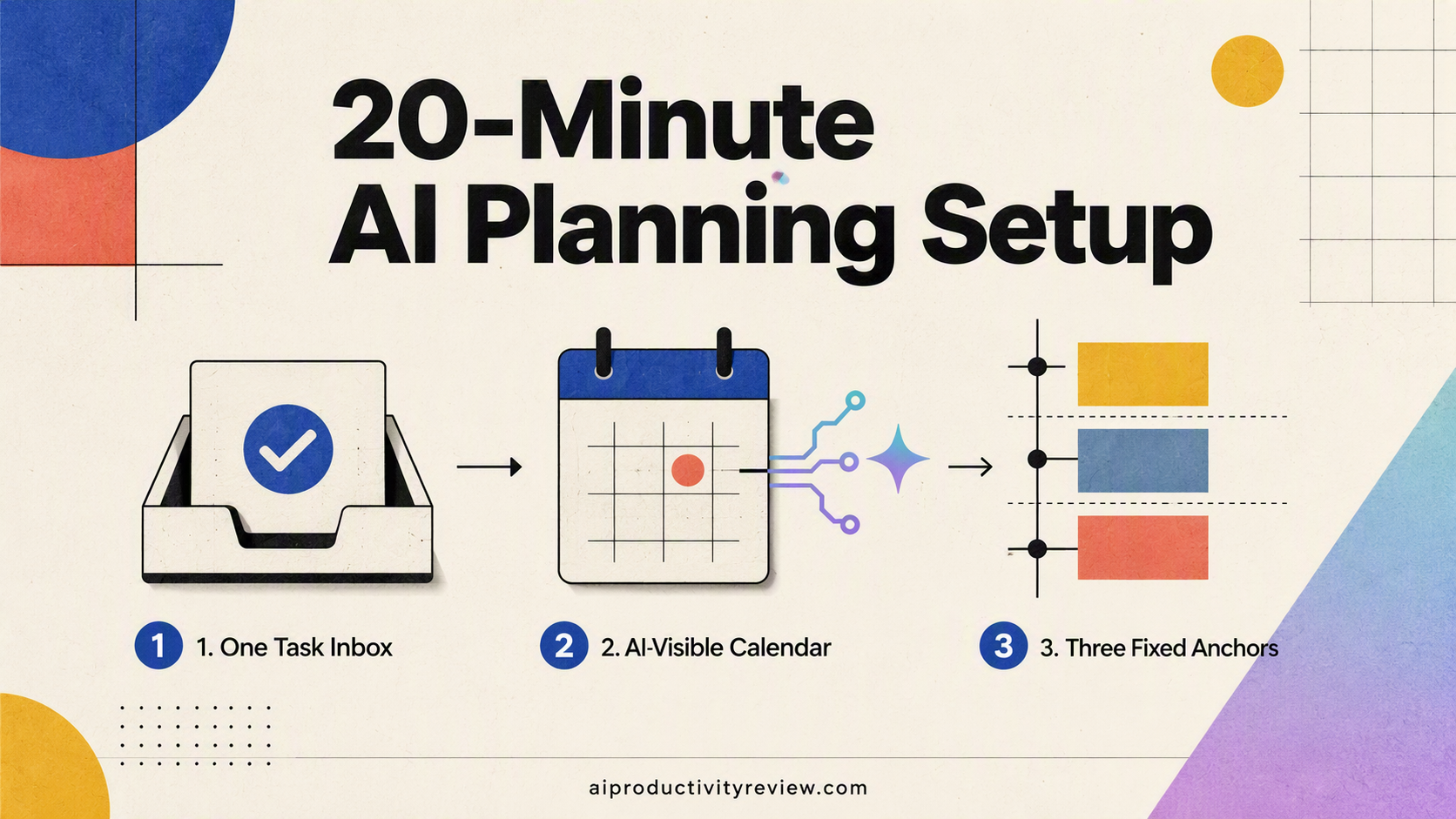
You need three things in place before the daily loop means anything.
1. One inbox for tasks. Exactly one.
Not three. Pick the place where a thought goes the second you have it, and make everything else feed into it.
This matters more than which tool you pick. If you want options, I compared seven of them in best AI task managers in 2026.
2. A calendar the AI can see and a good AI planner
Read access to Google or Outlook, at minimum. If your assistant can't see that you have a dentist appointment at 2, every plan it makes is fiction.
3. Three fixed anchors.
Pick three things that happen at the same time every weekday no matter what. Mine: coffee at 8:15, lunch at 12:30, laptop closed at 6:30. These are not tasks. They're the walls of the box everything else gets packed into.
Tell your AI what they are. Every good plan it makes from here will respect them.
How to plan your day with AI in 9 mintues
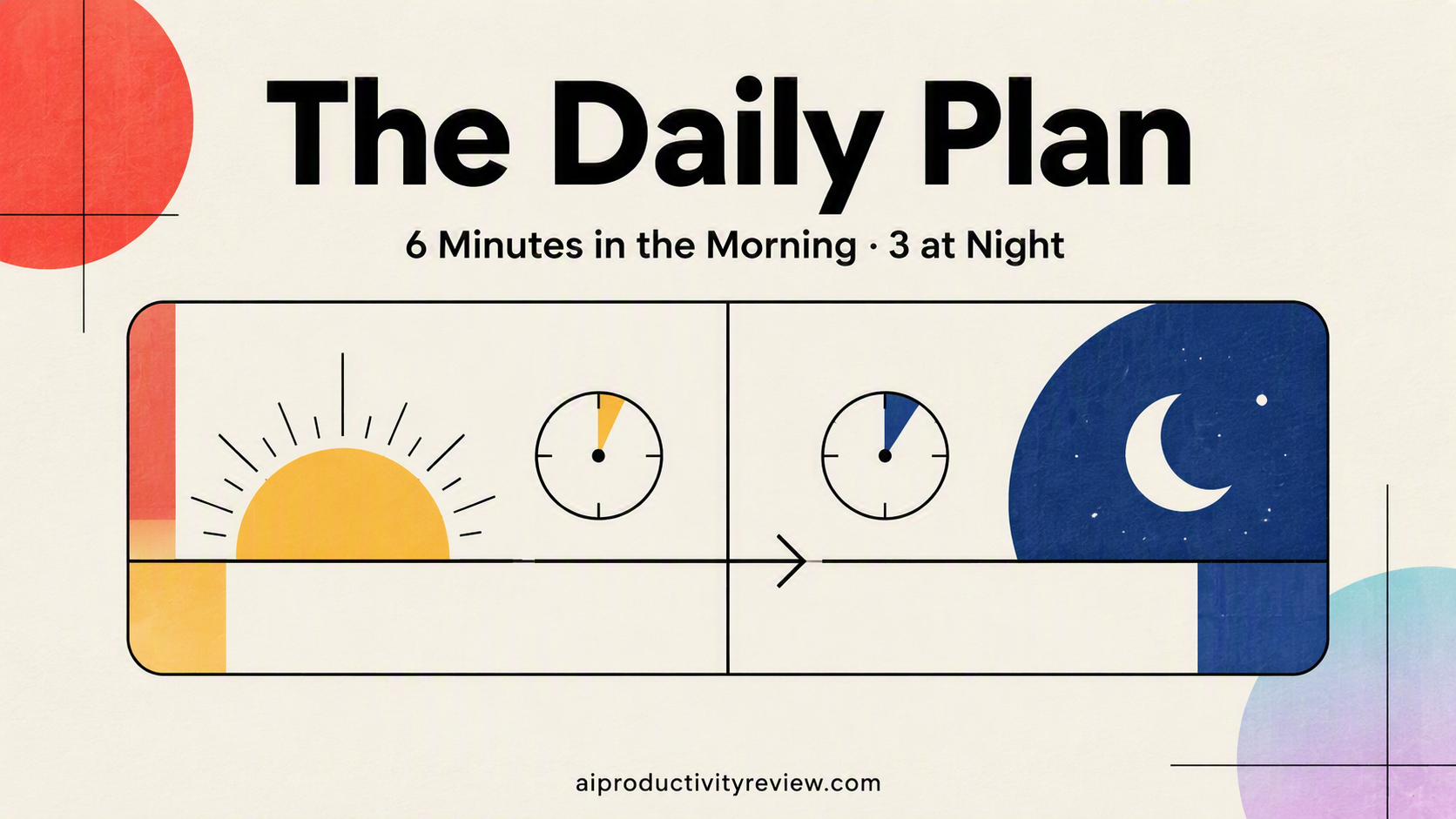
Morning (6 minutes)
Minute 1-2: Dump. Open your one inbox. Say or type everything in your head. Don't organise. Don't tag. Don't estimate.
I do this out loud on my phone on Saner.ai. It turns all my dump into tasks on calendar. Literally time and life saver.
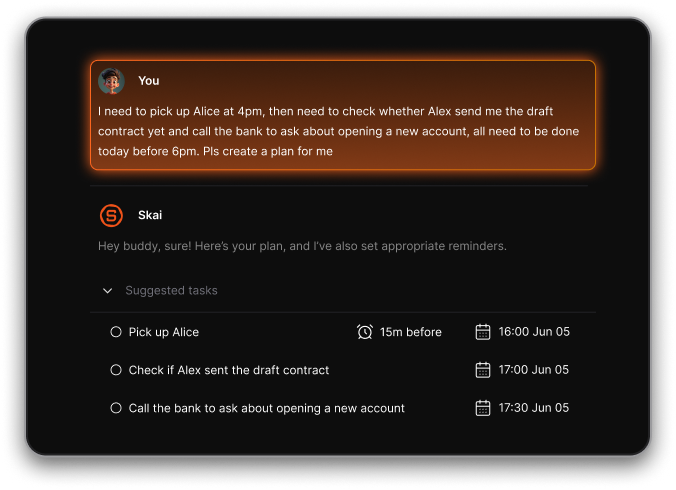
Minute 3: Ask for the read. Give your assistant a prompt shaped like this:
"Here's my calendar today and everything in my task inbox. Tell me: how many free minutes do I actually have between meetings, what's overdue, and what did I say I'd do this week that I haven't touched?"
You're not asking for a plan yet. You're asking for the diagnosis. I once again to this on Saner.ai
Minute 4: Pick three. Pick three tasks. One that's important, one that's urgent, one that's small and annoying and has been following you around.
The small annoying one is the thing that makes the other two possible, because unfinished small tasks are exactly the open loops that were generating noise in the Masicampo study.
Minute 5: Get the schedule and fix the estimates. Now ask for the plan:
"Slot these three into today's gaps. Give me start and end times. Assume everything takes 1.6x longer than my first guess."
That multiplier is doing real work. It comes straight out of Buehler's numbers above, and it is the most useful sentence in this whole article.
Minute 6: Write one if-then rule. More on this below, it deserves its own section.
Evening (3 minutes)
Three questions, same three every night:
- What did I actually finish?
- What moved to tomorrow, and is this the third time?
- What happened today that tomorrow-me needs to know?
That last one is the reason to use an AI assistant rather than a notepad. A notepad doesn't tell you in nine days that you've now deferred "call the accountant" eleven times. Some tools surface this automatically like Saner.AI proactive check-in
Does offloading your tasks make your memory worse?
The evidence points the other way.
There's a persistent worry that letting software hold your list turns your brain to soup. Storm and Stone tested a version of this and found the opposite. Saving one file before studying a new one significantly improved memory for the new file's contents, because the saved material stopped competing for attention (Storm & Stone, 2015, Psychological Science).
Getting a task out of your head and into a trusted place frees up capacity for the next thing. If you don't believe the list is complete, your brain keeps its own backup copy running.
Which AI tool for which broken part?
Quick routing table. Pick based on what's actually broken, not on what's trending.
| What's broken | What you need | Where to start |
|---|---|---|
| Tasks never get into any system | Fast capture, voice, email-to-task | AI personal assistants |
| List is full, calendar is empty | Auto-scheduler | Reclaim.ai review |
| Motion is too expensive or too much | A lighter scheduler | Best Motion alternatives |
| Reclaim isn't sticking | Different scheduling philosophy | Reclaim alternatives |
| You forget the plan exists by 10 AM | Proactive resurfacing | AI assistants for ADHD |
| You want the full comparison | All of it | Best AI task managers |
Your first week, day by day
Don't set the whole thing up on Monday. You'll quit by Thursday.
- Monday: One inbox only. That's it. Delete or archive the others. Do no planning at all.
- Tuesday: Add the morning dump. Two minutes. Still no scheduling.
- Wednesday: Add the "how many free minutes do I have" question. Get depressed about the number. This is progress.
- Thursday: Add the pick-three step and the 1.6x multiplier.
- Friday: Add one if-then rule.
- Saturday: Skip everything. Seriously.
- Sunday: Ten minutes. Look back at the week. What moved three times? Break it down or kill it.
When AI daily planning won't help you
I'd rather tell you this now than have you spend $34/month finding out.
- Your day is 90% meetings. You don't have a planning problem. You have a calendar problem, and no scheduler can fix a schedule with no gaps in it.
- You don't know what your priorities are. AI will happily schedule the wrong things with precision. Sort the priorities first. On paper. Away from a screen.
- You're in an active crisis. Deadline week, sick kid, house move. Run on triage, come back to systems after.
- You've switched tools three times in two months. The tool isn't the variable. I've done this, repeatedly, and every switch cost me the setup time plus the trust I'd built that the list was complete.
Also, and I say this gently: if you're using the planning session itself as a way to avoid starting work, adding AI will make that procrastination faster and more sophisticated 😅
Takeaways: the whole system in nine lines
- Pick one inbox. Delete the others this week.
- Give your AI read access to your real calendar.
- Name three fixed anchors it must never schedule over.
- Every morning: dump for two minutes.
- Ask for the diagnosis before the plan (free minutes, overdue, untouched).
- Pick exactly three tasks: important, urgent, small-and-annoying.
- Multiply every estimate by 1.6. Put it in the prompt.
- Write one if-then rule naming a real time and a real trigger.
- Every night, three questions. Anything that moved three times gets broken down or killed
FAQ
Can AI actually plan my day for me?
It can build the schedule, not choose the priorities. Give it your calendar, your task list and your constraints, and it'll produce a realistic block plan in seconds. Deciding what deserves the time stays yours. Every system I've seen fail was one where someone handed over that decision.
How long should daily planning take?
Six minutes in the morning, three at night. If you're spending 25 minutes planning, planning has become the task you're doing instead of working.
What's the best prompt for planning my day with AI?
"Here's my calendar and task list. First tell me how many free minutes I actually have and what's overdue. Then slot in these three tasks, assuming everything takes 1.6x my estimate. Respect these fixed anchors: [your three]."
Do I need a paid AI planner, or is ChatGPT enough?
ChatGPT handles the reasoning fine. It won't remember today's plan tomorrow, so you'll re-explain your context every morning. Pay for a dedicated tool when that re-explaining tax gets annoying, usually around week three.
Why does my AI-generated schedule never survive the day?
Two usual causes: your time estimates are ~60% optimistic (Buehler et al., 1994), and you have no rule for what happens when something runs over. Fix the first with the 1.6 multiplier and the second with an if-then rule.
Is it bad for my memory to let AI hold my to-do list?
Current evidence suggests offloading helps rather than hurts, as long as the external store is trustworthy (Storm & Stone, 2015). A list you don't trust is the bad outcome, because you end up maintaining a mental backup anyway.
Sources
- Buehler, R., Griffin, D., & Ross, M. (1994). Exploring the "planning fallacy": Why people underestimate their task completion times. Journal of Personality and Social Psychology, 67(3).
- Masicampo, E. J., & Baumeister, R. F. (2011). Consider it done! Plan making can eliminate the cognitive effects of unfulfilled goals. Journal of Personality and Social Psychology.
- Gollwitzer, P. M., & Sheeran, P. (2006). Implementation intentions and goal achievement: A meta-analysis of effects and processes. Advances in Experimental Social Psychology, 38. Hosted by the US National Cancer Institute.
- Storm, B. C., & Stone, S. M. (2015). Saving-enhanced memory: The benefits of saving on the learning and remembering of new information. Psychological Science, 26(2).