Real Reclaim.ai Review (2026): Is it a Good AI Calendar?

Quick answer: Reclaim.ai is an AI scheduling tool that auto-blocks your Google or Outlook calendar for tasks, habits, and focus time, then reshuffles everything when a meeting gets in the way. It's the best tool I've tested for people whose calendar is the actual problem.
But It is not a task manager, it doesn't touch your inbox, and it will not tell you what to do with your day beyond "when." If that's not enough tool for you, jump to alternatives below.
What Reclaim.ai actually does
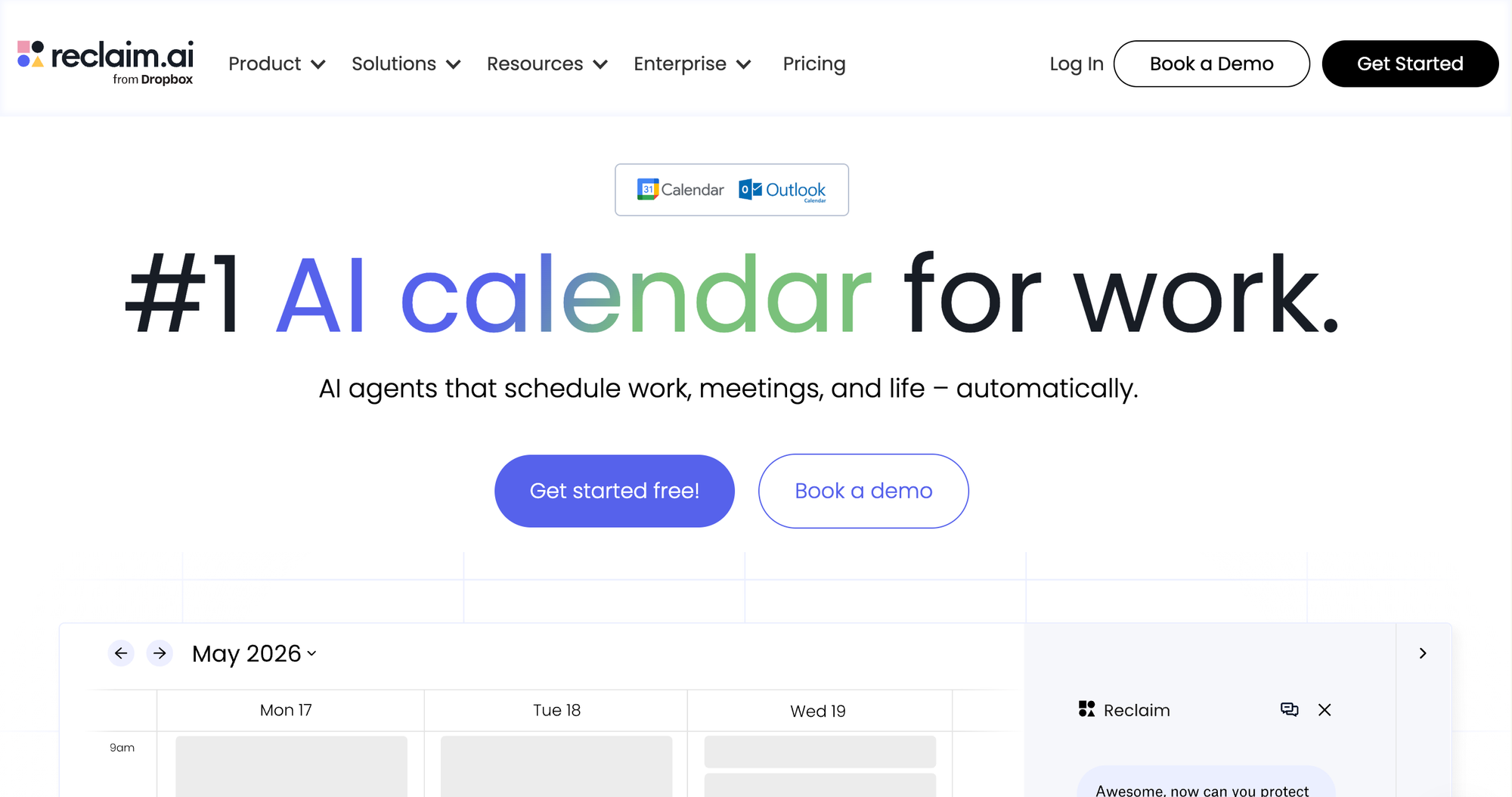
You connect Google Calendar or Outlook. You tell it three things:
- Tasks you need done, pulled in from Todoist, Asana, Linear, ClickUp, Jira, or typed straight in
- Habits you want protected: deep work, gym, lunch, whatever keeps sliding when your day gets busy
- Smart 1:1s, recurring meetings it auto-reschedules around both people's calendars. No "does Tuesday work for you" email chain.
Then it does the thing most calendar tools promise and don't deliver: it actually moves stuff around when your day changes. A meeting gets added at 2pm and eats your focus block? Reclaim finds the next open slot and moves the block there on its own. You don't have to notice, let alone fix it.
Does it survive a bad day?
I run every tool against this question specifically, because a calendar tool that only works when your week is already calm isn't solving anything.
Short version: yes, kind of. Reclaim's Focus Time defense has two modes worth knowing before you turn it on:
- Proactive mode fills your calendar with blocks ahead of time to guarantee your weekly focus-time goal, even before you need the room
- Reactive mode only starts blocking time once a meeting threatens to eat your goal for the week
The habits feature held up better than I expected. If you manually move a block, Reclaim locks it and stops touching it, which sounds small until the third time a "smart" tool undoes your manual fix and you want to throw your laptop.
The honest reviews
Reclaim sits around 4.8 out of 5 on G2 from roughly 130 reviews, which is a strong number for a tool this widely used. I don't take that at face value, and you shouldn't either. G2 reviews skew toward people who were prompted to leave one right after a good onboarding experience, which is a real bias, not a conspiracy.
The rougher picture shows up on Trustpilot. The recurring complaints there are specific enough to be believable rather than generic rage-typing:
- Pop-ups and calendar events that kept firing after people cancelled. The actual fix, per one veteran user's workaround, is disconnecting Reclaim from Google Calendar directly. Deactivating the account alone doesn't do it.
- A "switch to free forever" option that's reportedly buried under the account deletion flow instead of being an obvious toggle
- Slack integration lag of a few seconds on some accounts, which is annoying but not a dealbreaker
I'm weighting this roughly 55/45 toward the negative-and-neutral reviews when I write the verdict below, because a tool's marketing page will always tell you the good version.
Reclaim.ai pricing (verify before you buy - this shifts often)
Pricing across review sites for Reclaim is inconsistent enough that I'd treat every number below as directional, not gospel, and check Reclaim's own pricing page before entering a card number.
| Plan | Reported price | What you get |
|---|---|---|
| Free (Lite) | $0 | Core auto-scheduling, 1 calendar sync, limited integrations |
| Starter | ~$8–10/user/month (annual) | Full task sync (Asana, Jira, ClickUp, Linear, Todoist), Outlook support |
| Business | ~$12–18/user/month | Team analytics, workload dashboards, priority support |
| Enterprise | ~$18–22/user/month | SSO, advanced admin controls |
Every new account also reportedly gets a 14-day trial of the full Business tier, so you can stress-test the good version before deciding if the free plan is enough.
Reclaim.ai: pros and cons
What's good:
- Auto-rescheduling holds up on a genuinely chaotic day. That's the actual test, and it passes.
- Habits are the standout feature. Recurring routines that flex instead of just vanishing the moment something conflicts.
- Cheaper than Motion at every tier while covering most of the same ground
- Task sync with six different PM tools means you don't have to migrate your existing setup
Where it falls short:
- No native task manager or notes. It schedules tasks; it does not help you think through what the task actually requires 😦
- Doesn't touch email at all. If your calendar chaos actually comes from an inbox that never stops generating meeting requests, this fixes a symptom, not the source.
- Billing and cancellation complaints show up often enough on Trustpilot that I'd screenshot your plan and renewal date the day you sign up
Who should actually buy this
- You already use Google Calendar or Outlook and don't want to switch
- Your job has genuinely unpredictable meetings that keep eating planned focus time
- You already have a task manager (Asana, Todoist, whatever) and just want your calendar to respect what's in it
- You manage a team and need recurring 1:1s to stop requiring manual rescheduling every time someone's out
Who shouldn't
- You need one tool that also handles notes, email triage, and a knowledge base - Reclaim doesn't do any of that
- You're not currently using a task manager and don't want to add one just to get task sync working
- You want an AI that proactively tells you what to prioritize each morning, rather than one that waits for you to feed it tasks and habits
Reclaim.ai alternatives worth a look
Reclaim does one job well: defending your calendar. If that's not the whole job you need done, here's where I'd look instead.
- Motion ($49/user/month) builds the entire day around AI. It plans tasks, projects, and deadlines together rather than syncing from a separate PM tool the way Reclaim does. Costs more, and reviewers consistently describe it as more aggressive about rearranging your day, which some people want and some people hate.
- SkedPal ($9.95–$21.95/month) skips PM-tool syncing entirely and works straight from "Time Maps," rules like "deep work only between 9 and noon." More setup than Reclaim, more control once it's dialed in. Worth knowing: it does not have a permanent free tier, unlike Reclaim's Lite plan.
- Saner.ai (free plan available, paid from $8/month) this assistant pulls your notes, email, and calendar into one workspace and surfaces a prioritized plan every morning without you asking for it, and it'll turn a spoken voice memo into a scheduled task in real time rather than making you type it out first. If your actual problem is "my notes, tasks, and calendar are three separate messes," Saner solves it
One tool that used to show up on every list like this, Clockwise, shut down in March 2026 after its team joined Salesforce. If you see it recommended elsewhere, that page is stale.
The verdict
Reclaim.ai earns its reputation. The auto-scheduling core survives real pressure, and I mean an actually bad week, not a screenshot-friendly demo one. The habits feature is the best implementation of "protect my recurring time" I've tested in this category. I give it a 8/10
It's not a complete system, and it doesn't try to be. Buy it to fix your calendar. Don't expect it to fix how you think about your day, plan your notes, or triage your inbox. For that, look at the alternatives above.
FAQ
Is Reclaim.ai worth paying for? If your main friction is meetings constantly displacing focus time or recurring tasks, yes — the free plan is a real way to test that before paying anything.
Does Reclaim.ai work with Outlook? Yes, full Outlook support shipped in May 2025, though it's newer than the Google Calendar integration and can have rougher edges.
What's the real difference between Reclaim.ai and Saner.ai? Reclaim manages your calendar's time slots. Saner.ai manages the notes, tasks, and email that decide what should go in those slots, and does it proactively rather than on request. See alternatives above.
Does Reclaim.ai have a mobile app? Not a native one as of July 2026 — there's a progressive web app you can install on your phone, but a true iOS app is still listed as "in planning."
Part of the AI Personal Assistant pillar.