5 Best Motion Alternatives in 2026 (Actively developing)

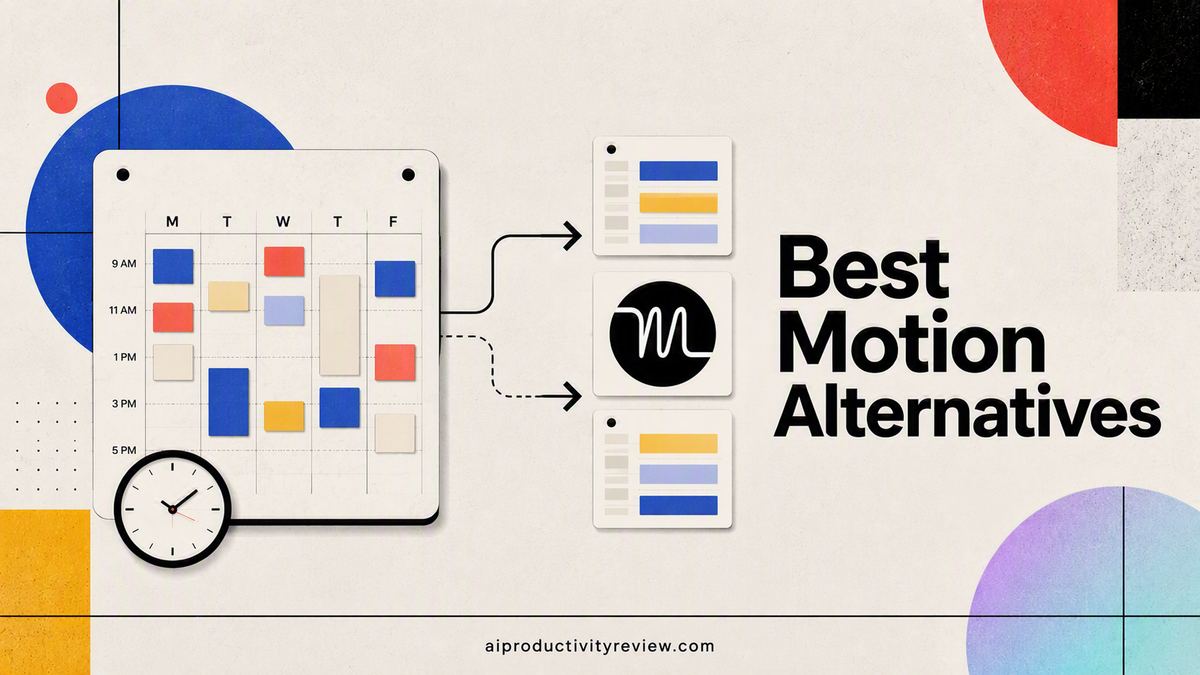
I've had Motion open in a browser tab for the better part of two years now, on and off, mostly off. Every time I come back, it does the same clever trick: I add a task, it finds a slot for it, and for about four minutes I feel like a person with his life together. Then a call runs long, Motion reshuffles my afternoon like a slot machine, and I close the tab again. 🙃
So. Quick answer, because you didn't come here for my feelings about calendars:
Everyone else, keep reading — the right pick depends on which part of "personal assistant" you actually need.
Why people go looking for a Motion alternative in the first place
Nobody searches "Motion alternatives" because Motion is bad at scheduling. It's good at scheduling. That's the problem - it's only good at scheduling, and it charges premium prices for a growing pile of stuff bolted on around that one trick.
The complaints that show up over and over on G2, Trustpilot, and Reddit:
- Pricing crept up as Motion rebranded itself an "AI Employee SuperApp," and now runs anywhere at $49 a month per seat
- The mobile app trails the desktop app badly enough that power users just avoid it
- The onboarding takes real time. Expect one to two weeks before the schedule stops feeling like a fight
- The founders has LEFT to build another business
- It has zero opinion about your notes, your inbox, or the forty tabs open in your browser.
The 5 Motion alternatives, and who each one is actually for
I gave each of these real time in my own calendar while putting this list together — the full individual reviews with screenshots and week-by-week notes are linked as they go live, following my usual testing process.
1. Reclaim.ai — the closest thing to a free Motion
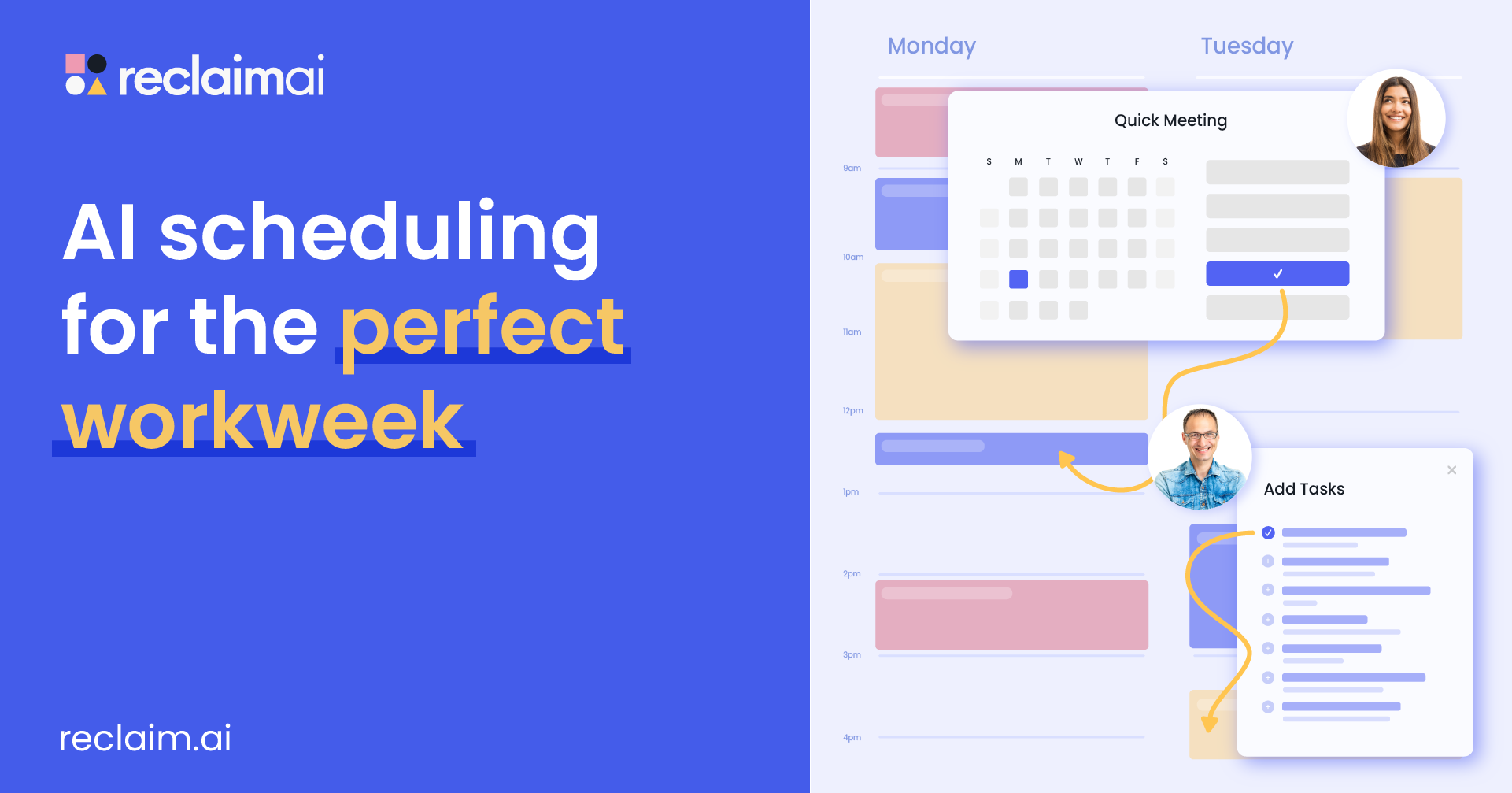
Best for: anyone who wants auto-scheduling without paying Motion's prices.
Reclaim does the same core trick as Motion — it looks at your tasks, habits, and calendar, then finds and defends time for them automatically. It's a calendar-layer tool, not a full task manager, so you'll likely keep using Todoist, ClickUp, or whatever you already have for the actual task list.
- Price: genuinely free tier, paid plans roughly $8–18/month depending on features
- Pros: defends recurring habits (gym, lunch, focus blocks) against meeting creep; the free tier is not a toy
- Cons: less polished project-management layer than Motion; you're stitching it to another tool rather than replacing everything
👉 Full Reclaim.ai reviews
2. Saner.ai — the AI calendar that builds itself from your mess
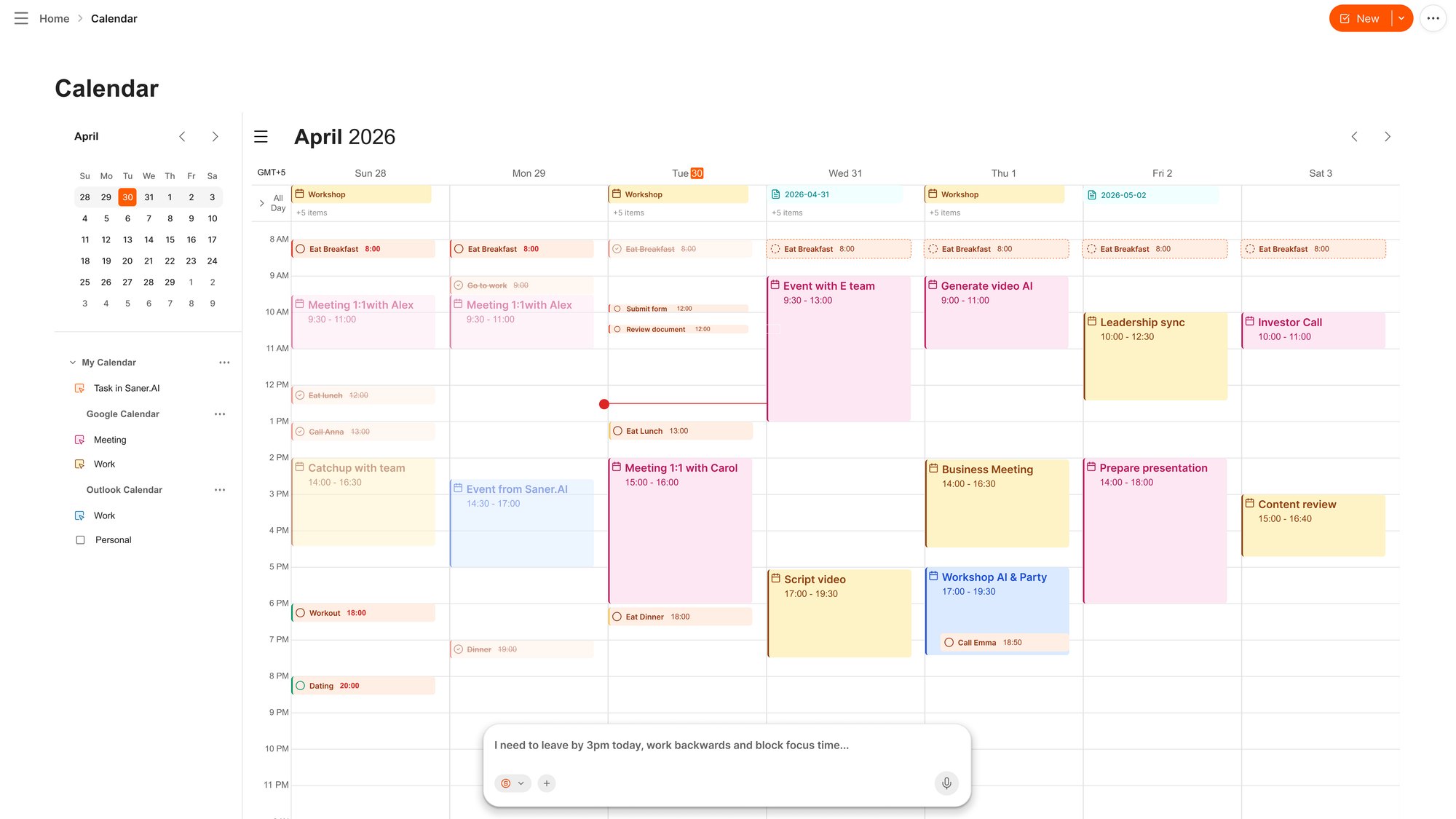
Best for: people whose Motion problem was never really scheduling. It was that tasks never made it onto a list in the first place because they were buried
Motion needs you to hand it a clean task, then it finds the slot. Saner.ai skips that first step entirely. You dump whatever's in your head — a voice note, an email — into it, and its AI calendar reads that mess, breaks anything vague or oversized into concrete steps on its own, and slots the result straight onto your day. No separate "now go organize this into a task" phase. That's the part Motion, and most task managers, still make you do by hand.
The proactive piece is the other half of it. Instead of opening to a blank page every morning, you get a plan Saner already built overnight from your notes, your inbox, and what didn't get finished yesterday - closer to a human assistant reading your situation and making a call than a calendar waiting for input.
- Price: free tier, paid plans roughly $8–20/month depending on tier and billing cycle
- Pros: AI calendar builds your day from raw, unsorted input instead of requiring pre-formatted tasks; automatically breaks vague or multi-step tasks into smaller actionable pieces; proactive morning plan replaces the blank-page start
- Cons: it's a younger product than Notion, so feature breadth in pure note-taking still lags them; the free tier's AI usage caps are tight enough that regular users will hit them within a couple of weeks
3. Akiflow — for keyboard people who hate touching a mouse
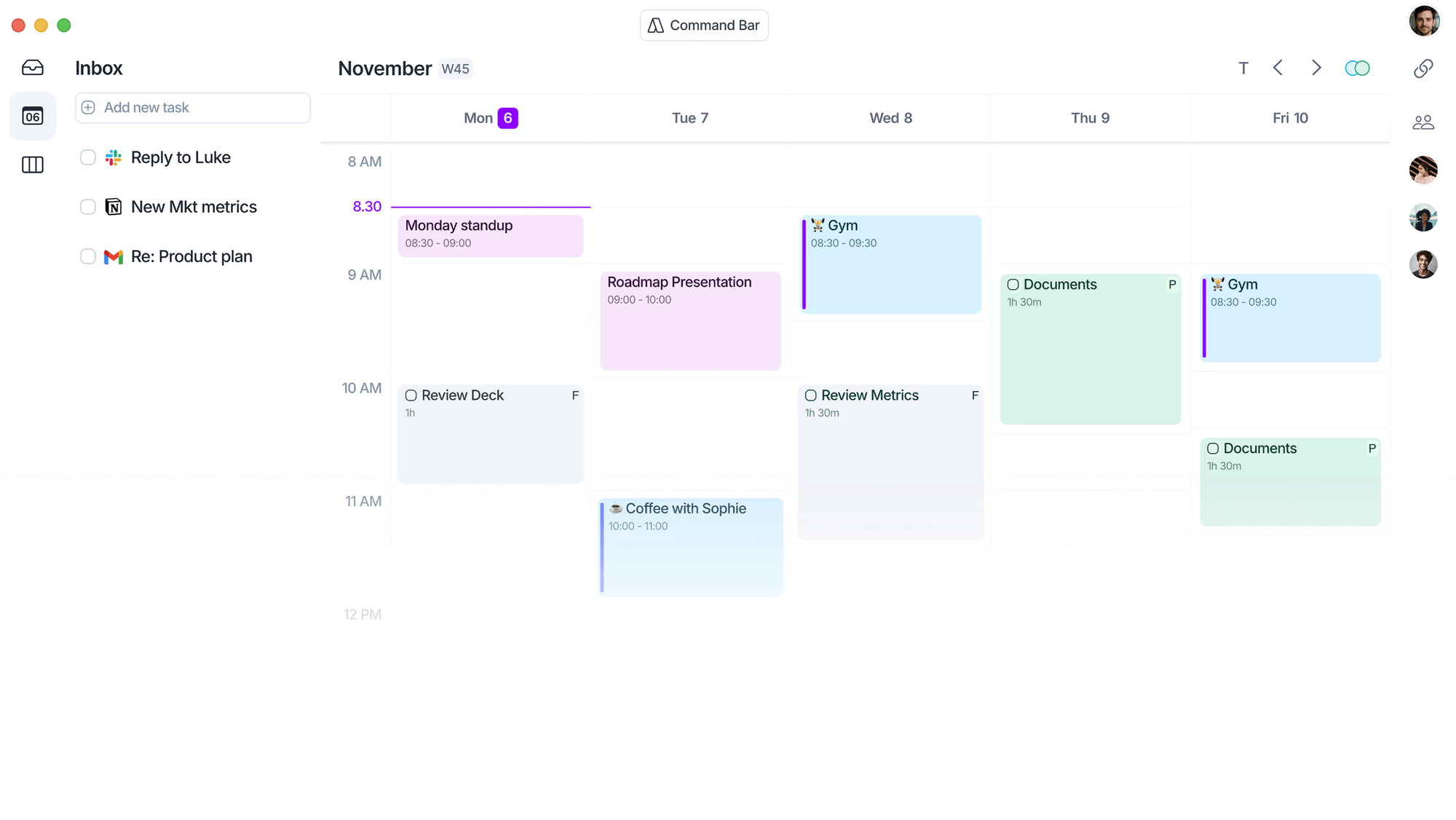
Best for: power users who capture tasks from a dozen different tools and want them all in one inbox.
Akiflow pulls tasks in from 10-plus sources — Slack, Gmail, Notion, Linear, and so on — into a single inbox, then lets you drop them into time blocks with keyboard shortcuts. Command-K, type, done. It added an AI assistant called Aki that can auto-schedule if you want it to, but the bones of the product are still manual-first.
- Price: roughly $17–34/month depending on billing cycle
- Pros: fastest task capture of anything on this list; works offline on desktop
- Cons: mobile app lags noticeably behind desktop; pricier than it looks once you're off the annual plan
4. Morgen — an AI that suggests instead of overrides
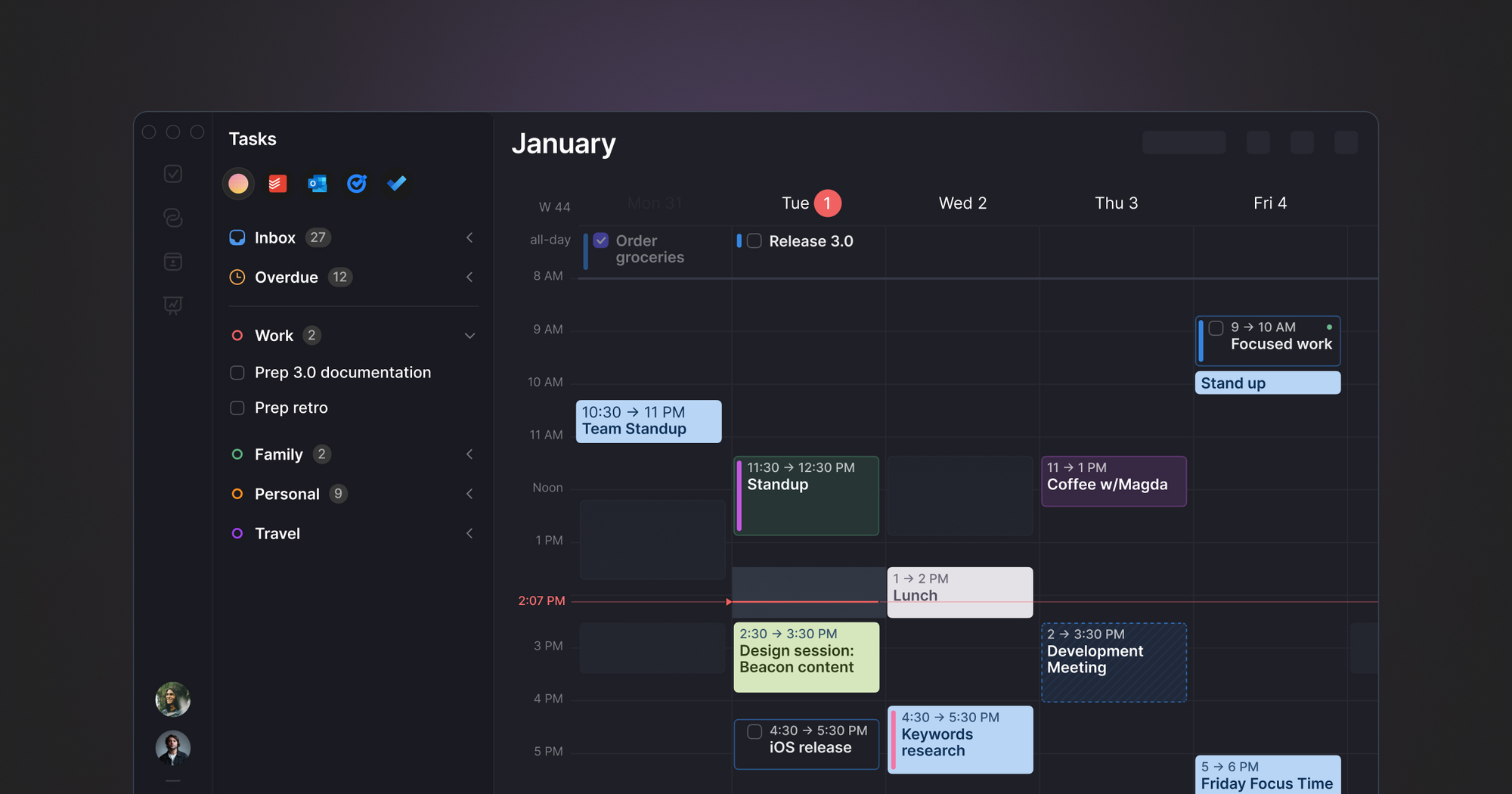
Best for: people who liked Motion's idea but hated losing control over their own day.
Morgen's AI Planner proposes a schedule and waits for you to accept or edit it, rather than silently rearranging your afternoon the way Motion does. It's the co-pilot version of auto-scheduling instead of the autopilot version.
- Price: several tiers that can stack (AI, Assist, Pro add-ons); Morgen dropped its free plan in 2026, so check current pricing before committing
- Pros: you keep the final say on every placement; clean, fast interface
- Cons: pricing has gotten genuinely confusing with the add-on structure; less mature AI than Motion or Reclaim
5. FlowSavvy — the direct free clone
Best for: solo users who want Motion's exact auto-scheduling behavior without the Motion invoice.
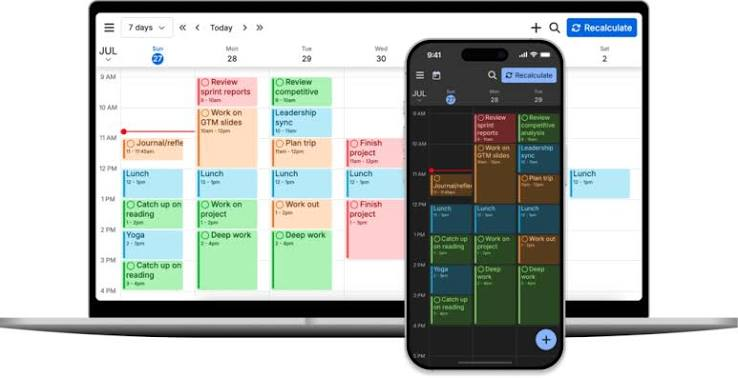
Of everything on this list, FlowSavvy is the one built most explicitly to mimic Motion's core loop - add a task, it finds a slot, it reshuffles when things change. It's newer and rougher around the edges, but it has a genuinely usable free tier, which Motion has never offered.
- Price: free tier available, paid tiers for heavier auto-scheduling use
- Pros: closest 1:1 behavioral match to Motion; low cost of entry
- Cons: smaller company, smaller feature set, fewer integrations than Motion or Akiflow
If your brain actively fights your calendar
This isn't a diagnosis and I'm not qualified to give you one — I have ADHD myself, I'm not a clinician, and this section is a research pointer, not medical advice. But it's worth knowing why "just use a calendar" doesn't work the same for everyone.
One of the more consistent findings in ADHD research is a deficit in time perception itself, not just willpower around using it. Russell Barkley's foundational model frames ADHD partly as a disorder of self-regulation across time — difficulty holding a sense of "how long is this actually going to take" and "how far away is that deadline, really" (Barkley, 1997).
That's a real, described-in-the-literature mechanism and it's a big part of why some people get real relief from a tool that removes the estimating and organizing step entirely — an auto-scheduler like Reclaim, or a proactive AI calendar like Saner.ai that builds the plan for you overnight — rather than a tool that still expects you to show up and structure your own day from scratch.
If any of this sounds like more than "I'm a little disorganized," that's a conversation for a doctor or therapist, not a blog post about calendar apps.
Comparison table
| Tool | Best for | Starting price | Auto-schedules for you? |
|---|---|---|---|
| Motion | All-in-one calendar automation | $19–49/mo | Yes |
| Reclaim | Budget auto-scheduling | Free–$18/mo | Yes |
| Saner.ai | AI calendar built from messy input, task breakdown, proactive planning | Free–$20/mo | Yes — builds your day from notes, email, and voice input |
| Akiflow | Keyboard-first capture | $17–34/mo | Optional (Aki) |
| Morgen | AI co-pilot, you approve | Multiple tiers | Suggests only |
| FlowSavvy | Free Motion clone | Free+ | Yes |
How to actually pick one
- You like Motion's magic but hate the bill: Reclaim or FlowSavvy
- Your real bottleneck is capture, not scheduling — tasks fall apart before they ever hit a calendar, and big tasks need breaking down before you can even start: Saner.ai
- You want fast manual capture with a dozen integrations: Akiflow
FAQ
Is there a free alternative to Motion? Yes. Reclaim has a genuinely usable free tier, FlowSavvy has a free plan, and Saner.ai also offers one, though its AI usage caps are tight
Which Motion alternative is closest to Motion itself? FlowSavvy and Reclaim both replicate Motion's core auto-scheduling loop most closely. Reclaim is the more mature product; FlowSavvy is cheaper and rougher.
Do any of these read my email and turn it into tasks automatically? Saner.ai is the one built around pulling structure out of messy inputs like email and voice notes and turning them directly into calendar entries, including breaking bigger tasks into smaller steps automatically.
Is Motion worth it if I have ADHD? Some people find the automation genuinely relieving because it removes the time-estimation step. Others find the rigid rescheduling stressful when their day is reactive. There's no universal answer here — see the ADHD section above, and if it's a real concern, that's worth raising with a professional rather than solving with app-shopping alone.