How to do weekly review with AI. My life gets better with this


I have started a weekly review maybe forty times. I have finished one about nine.

The pattern was always the same. Sunday evening, cup of tea, good intentions, a checklist I copied off a productivity blog that had thirty-one steps in it (well). Step one: "gather all loose papers and materials." Sir. It is 7pm on a Sunday. I am not gathering anything.
So this is the version that now I use. It takes 25 minutes, AI does the boring two-thirds of it, and I've now run it most weeks since spring. 🫡 Not every week. Most weeks. But that's ok
What is a weekly review with AI?
A weekly review with AI is a short, fixed-time session where you dump last week's tasks, calendar, and notes into an AI assistant, let it do the sorting and pattern-spotting, and you spend your attention only on the decisions: what to drop, what to move, what to say no to next week.
The AI handles retrieval and grouping. You handle judgment. That's the whole split.
First, why your weekly review keeps dying
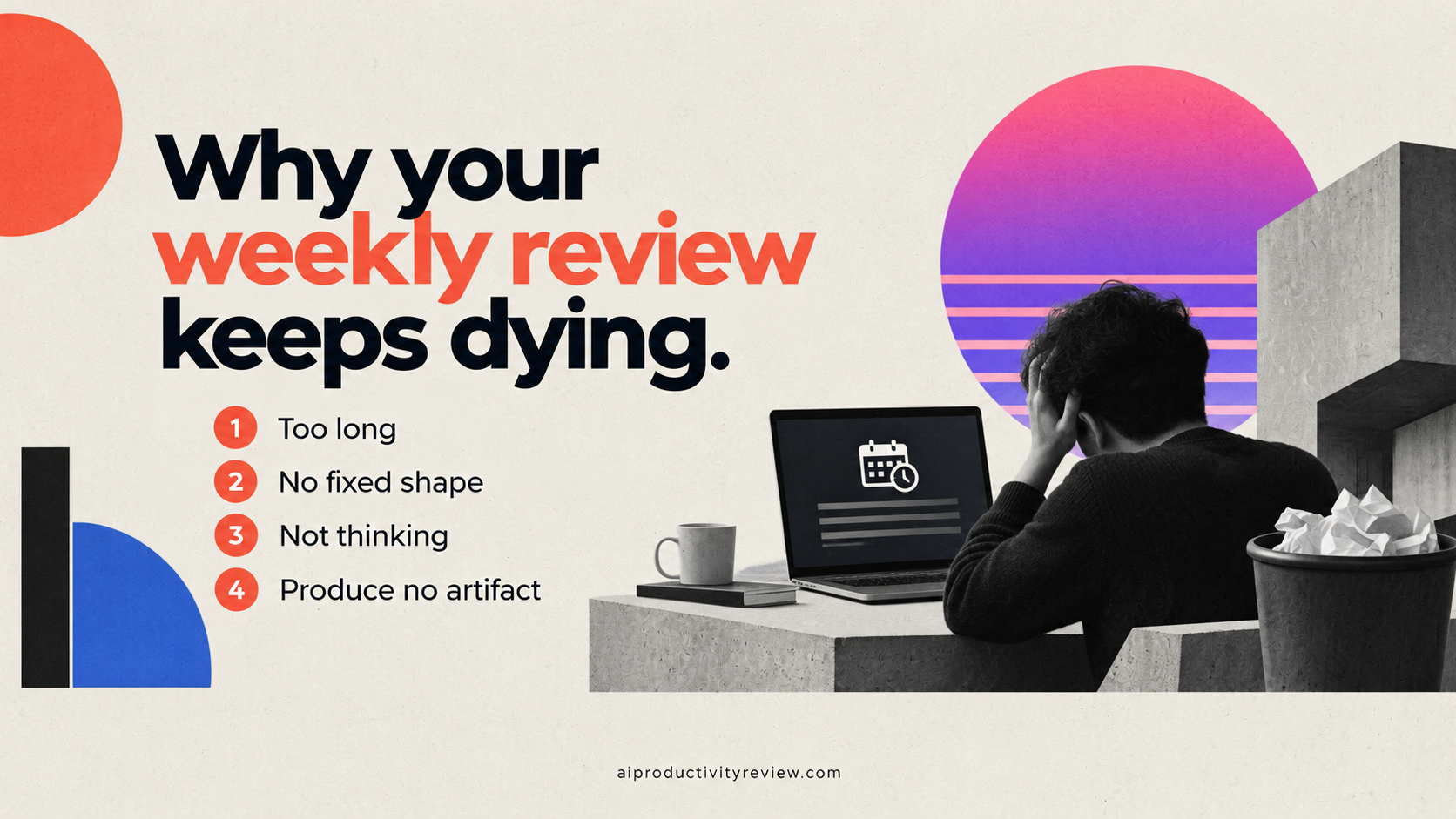
Four reasons, and only one of them is discipline.
- It's too long. Anything over 30 minutes competes with actual rest. You will lose that fight every time.
- It has no fixed shape. "Review your week" is not an instruction. It's a vibe.
- Most of it is retrieval, not thinking. Scrolling your calendar back seven days to remember what happened is data entry wearing a trench coat.
- It produces no artifact. If Monday morning doesn't look different, your brain correctly learns the review was optional.
The retrieval problem is the one AI actually fixes. The rest you fix with a timer and a shorter list.
What AI should do, and what you should keep in the weekly review
Give the AI:
- Pulling last week's completed and uncompleted tasks into one list
- Grouping 40 loose items into 6 themes
- Spotting what got rescheduled more than twice
- Estimating how long next week's commitments will take
- Drafting a first-pass plan you can argue with
Keep for yourself:
- What to kill. AI will never suggest you drop the thing your boss cares about, because it doesn't know that's what's going on.
- Energy reality. Your assistant thinks Friday at 4pm is a fine slot for deep work. Your Friday at 4pm self disagrees.
- Politics. The half-hour call that's technically pointless but keeps your work relationships alive.
- The no. AI is kinda unable to tell you that you've committed to too much.
The 25-minute AI weekly review
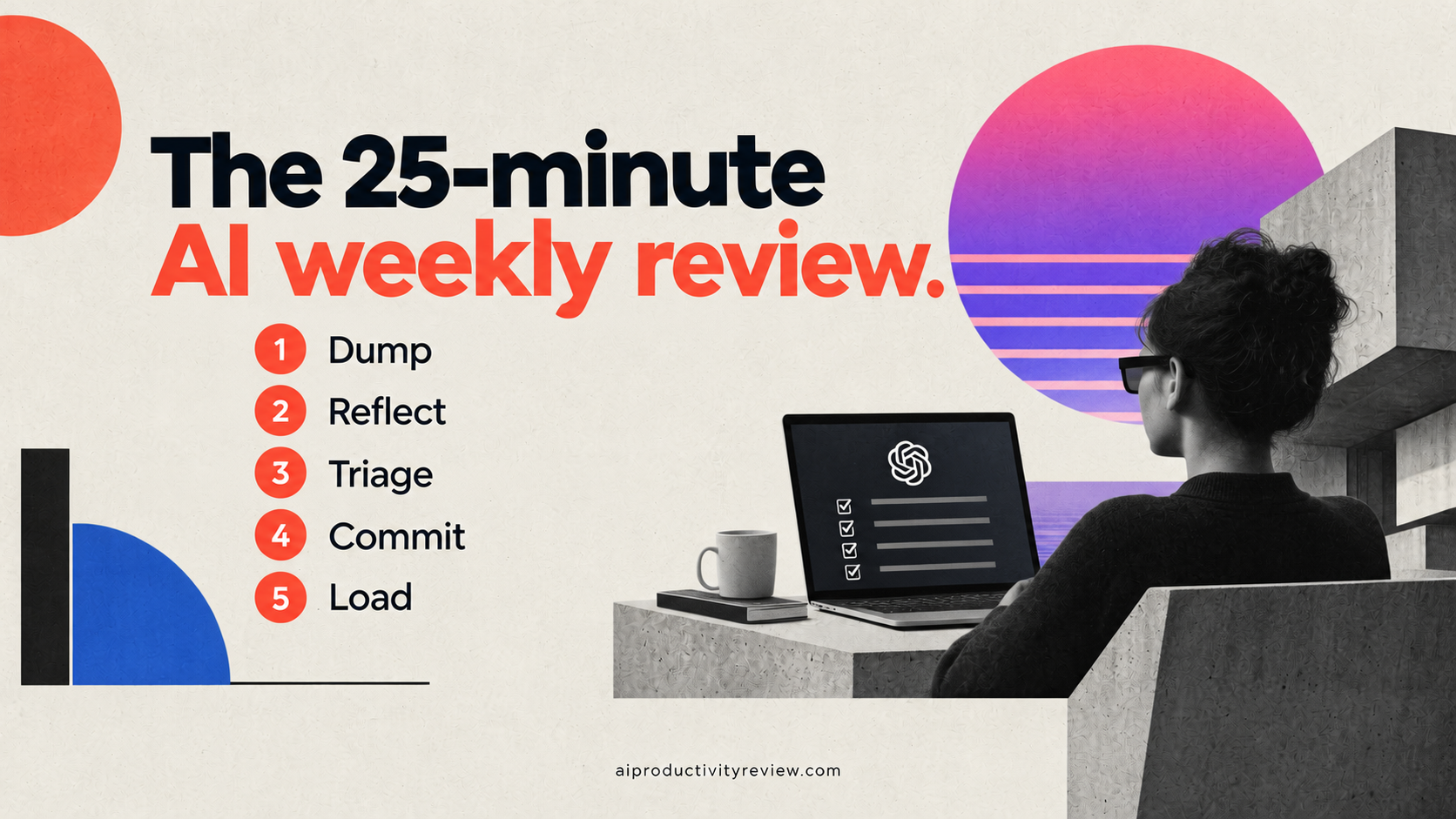
Step 1: dump (5 minutes)
Get everything into one place. Not organised. Just present.
- Open your task manager and copy out every open task, including the embarrassing ones from March
- Copy last week's calendar (both what happened and what got cancelled)
- Add any loose notes, half-written docs, or "I should really..." thoughts
Paste it all into your AI assistant in one message. It will be ugly. Ugly is correct here. If you're using something like Saner.AI (like I do), this step mostly disappears, because your notes, tasks, and calendar already live together. You're pointing at context rather than reassembling it. If you're piecing it together from four apps, budget the full five minutes and don't tidy anything.
Block 2: reflect (6 minutes)
Now ask the AI to tell you what happened, because you genuinely don't remember.
Prompt to paste:
Here's my last week: [paste]. Tell me: (1) what I actually completed, grouped by theme; (2) what I planned but didn't do; (3) anything that got rescheduled more than once; (4) where my time actually went versus where I said it would go. Be blunt. Don't reassure me.
Without the last line you get a paragraph about how you made "meaningful progress" which is what a golden retriever would say if it could type.
Read the output. Then write two sentences by hand, not with AI, answering this: what went well, and what am I avoiding?
The hand-written part is that part you HAVE TO do. It's the only bit where the thinking happens.

Block 3: triage (6 minutes)
This is the cut.
Go through the open task list and put every item in one of four buckets:
- Do. It matters and it happens next week.
- Defer. It matters and it doesn't happen next week. Give it an actual date, not "later".
- Delegate. Someone else, or a tool, or your future self with a template.
- Delete. It stopped mattering and you haven't admitted it yet.
Be aggressive with delete. On a normal week I kill 20-30% of my open list, and I have never once missed a single thing I killed. Not once. That statistic should worry me more than it does.
Prompt to paste:
Here's my open task list: [paste]. For each item, tell me which of Do / Defer / Delegate / Delete you'd suggest and why, in one line each. Flag anything that's been open more than three weeks. Then tell me which three items you think I'm avoiding.
Block 4: commit (5 minutes)
Pick three outcomes for next week. Not 13. 3.
Write each one as a finished state, not an activity. "Draft sent to Marcus" beats "work on draft." You can tell when the draft is sent. You can never tell when you've finished "working on" something, which is why that task will still be on your list in November.
Then attach each one to a specific time and a trigger:
- Outcome: Draft sent to Marcus
- When: Tuesday 9:00-10:30
- Trigger: after I make coffee, I open the doc before email
That last bit, after X, I do Y, is called an implementation intention, and it's one of the better-evidenced things in behavioural science. A meta-analysis by Gollwitzer and Sheeran covering 94 independent tests found implementation intentions had a positive effect on goal attainment of d = .65, which the authors describe as medium-to-large. Translation: "Tuesday morning-ish" does nothing. "After coffee, before email" does a lot.
Block 5: load (3 minutes)
Put the three outcomes on the calendar as actual blocks, with the trigger in the event description. Not a to-do list. Calendar events, defended, with a start time.
If you use an auto-scheduler, this is where it earns its money. It'll fit the blocks around your existing commitments and push things when the week breaks. I've written up which ones are worth it in the AI calendar assistants roundup
Done. Close the laptop. 🍵
Why weekly review with AI works?
- Unfinished tasks hijack your attention until you make a plan for them. Masicampo and Baumeister ran six studies on this and found that unfulfilled goals produced intrusive thoughts and measurably hurt performance on completely unrelated tasks, including reading comprehension. The fix wasn't doing the task. It was making a specific plan for it. Their paper, "Consider It Done! Plan Making Can Eliminate the Cognitive Effects of Unfulfilled Goals" in the Journal of Personality and Social Psychology, found the plan alone released the cognitive grip.
This is the whole argument for Block 4. You're not planning to be organised. You're planning so your brain stops bringing it up at 2am.
- You are much worse at estimating your own timelines than you think. Buehler, Griffin and Ross's classic "Exploring the planning fallacy" study followed 37 psychology students finishing their honours theses. Average prediction: 33.9 days. Average actual: 55.5 days. Only 29.7% finished within their own estimate. The detail that gets me every time: even their worst-case estimates averaged 48.6 days. Still optimistic.
So when your AI assistant says a task will take four hours and you think "nah, two," the historical evidence is not on your side. This is why prompt 3 exists.
- Switching tasks costs you, and preparing only partly refunds it. Stephen Monsell's review "Task switching" in Trends in Cognitive Sciences found responses are substantially slower and usually more error-prone immediately after a switch, and that the cost "is reduced, but not eliminated, by an opportunity for preparation." Three protected blocks beat eleven scattered ones, and knowing what's coming beats winging it. But nothing makes switching free.
- One more, on the dumping. The reason Block 1 helps is what researchers call cognitive offloading. Risko and Gilbert's review in Trends in Cognitive Sciences defines it as using physical action to reduce the processing demands of a task. Fair warning though: it's a framework paper, not an experiment with a headline number. Anyone quoting you a precise percentage for "writing things down" is making it up.
Which AI tool for which steps in the review process?
- Block 1 (Dump): whatever holds your stuff already. If it's scattered across five apps, that's the actual problem and no review will fix it. See the AI task manager comparison for consolidation options.
- Block 2 (Reflect): Claude or ChatGPT. Both are fine. Claude is a bit better at being blunt when you ask it to be.
- Block 3 (Triage): an assistant that remembers your context across weeks beats a fresh chat every time. This is the case for something like Saner.ai over a raw chatbot: it already knows what you said last Sunday, so you're not re-explaining your job every week.
- Block 4 (Commit): by hand, honestly. This one's yours.
- Block 5 (Load): Motion or Reclaim.ai if you want auto-scheduling; Morgen if you want to approve each change.
If your week is mostly email-shaped rather than task-shaped, run the 4-pass email system as a sweep inside Block 1 instead of dumping tasks. And if you've never used AI for any of this before, the beginner's guide to AI assistants is the gentler on-ramp.
Five ways people wreck the weekly review with AI
- Reviewing without deleting. If nothing leaves your list, you ran a status meeting with yourself.
- Letting AI pick the three outcomes. It'll pick the three that look tidiest. You pick, then ask it to stress-test.
- Doing it at 9pm Sunday. Your tired brain will approve anything to make the session end. Saturday morning or Friday afternoon are both better. I do Friday at 4pm, which is when I'm useless for anything else anyway.
- Making it thorough. The thirty-one-step checklist is a trap. Five blocks. Twenty-five minutes.
- Re-explaining your context every single week. If you're pasting "I'm a product manager at a 40-person startup" into a fresh chat every Sunday, get an assistant with memory or save a reusable context block. This one wasted me probably three hours over a year.
What to do in Your first three weeks
Week 1. Just do blocks 1, 2 and 4. Skip triage and calendar loading. 12 minutes. The point is to find out if you'll show up at all.
Week 2. Add block 3. Triage the full list. Expect this one to run long, maybe 35 minutes, because you're clearing a backlog that's been accumulating since whenever. That's a one-time cost.
Week 3. Add block 5 and time yourself. If you're over 30 minutes, you're being too thorough in block 2. Cut the reflection, not the triage.
By week four you'll either have a habit or a clear answer about why it's not for you. Both are useful.
When an AI weekly review won't help
Being straight with you: this doesn't fix everything.
- If your problem is capacity, not organisation. Fifty hours of work in a forty-hour week is arithmetic, not a system flaw. A review will show you the gap in high definition and then you still have to have the conversation with someone.
- If you're in genuine crisis mode. Live incident, family emergency, a deadline in 36 hours. Skip it. Come back after.
- If your tasks live in someone else's head. Reviews work on things you can see. If the real backlog is Slack messages nobody has written down yet, the review keeps coming up clean and you keep getting ambushed.
- If executive function is the bottleneck rather than planning. Different problem, different tooling. The ADHD assistants piece covers the capture-first approach that works better there.
And I'll admit the limit I haven't solved: I still skip this maybe one week in four, usually the week I most need it. I don't have a clever fix. I just restart the next week without treating the gap as a referendum on my character.
Takeaways:
- Twenty-five minutes, five blocks, a timer. Longer than that and you'll stop doing it.
- Dump everything into one place first. Messy is fine.
- Ask the AI for a blunt recap, then write two sentences by hand about what you're avoiding.
- Triage into Do / Defer / Delegate / Delete, and actually delete things.
- Pick three outcomes. Write them as finished states.
- Attach each to a time and an "after X, I do Y" trigger.
- Put them on the calendar as defended blocks, not as a list.
- Ask the AI whether the week fits before you commit, because your own estimate is optimistic and there's data on that.
Run it Friday afternoon rather than Sunday night. Your Sunday self is not a reliable narrator.
FAQ
How long should a weekly review take?
Twenty-five to thirty minutes for a personal review once you've done it three or four times. The first one runs longer, 40 to 60 minutes, because you're clearing a backlog. If yours consistently takes over 45 minutes, you're doing too much reflection and not enough deleting.
What's the difference between an AI weekly review and the GTD weekly review?
The GTD version asks you to be both the retrieval system and the decision-maker, which is why it typically runs 60-90 minutes. The AI version offloads retrieval, grouping, and time estimation to the assistant, leaving you only the judgment calls. Same outcomes, roughly a third of the time.
Which AI is best for a weekly review?
For the reflection and triage steps, Claude or ChatGPT both work well. For anything involving context you'd otherwise re-explain weekly, an assistant with persistent memory of your notes and tasks (Saner.ai is the one I use) saves the most time. For loading blocks onto the calendar, Motion or Reclaim.ai.
What questions should I ask in a weekly review?
Four cover most of it: What did I actually finish? What did I plan and skip? What keeps getting rescheduled? What am I avoiding? Everything else is optional.
Can I do a weekly review without any AI tools?
Yes, and people did for decades. AI mainly removes the tedious retrieval and the time-estimation guesswork. If you're happy scrolling your own calendar for ten minutes, you don't need it.
Should I do a daily plan too?
They serve different jobs. The weekly review sets the three outcomes, the daily plan decides today's order. If you only have appetite for one, do the weekly. There's a 9-minute daily planning routine if you want both, and the prioritisation guide goes deeper on picking between competing tasks.
What if I miss a week?
Start again the next week. Don't do a "catch-up" double review. It's the review equivalent of eating two dinners. The whole point is that it's cheap enough to restart.