How to Build a Second Brain With AI: A practical set up


A second brain used to mean an evening of setting up folders, a weekend of tagging, and a slow realization that you'd built a beautiful museum nobody visits (even you).
But AI changes the boring stuff. It can file, tag, summarize and resurface for you. It can't decide what you care about. That's still your job.
This guide shows you how to build a second brain with AI in an afternoon, then keep it alive, promise

What a second brain is
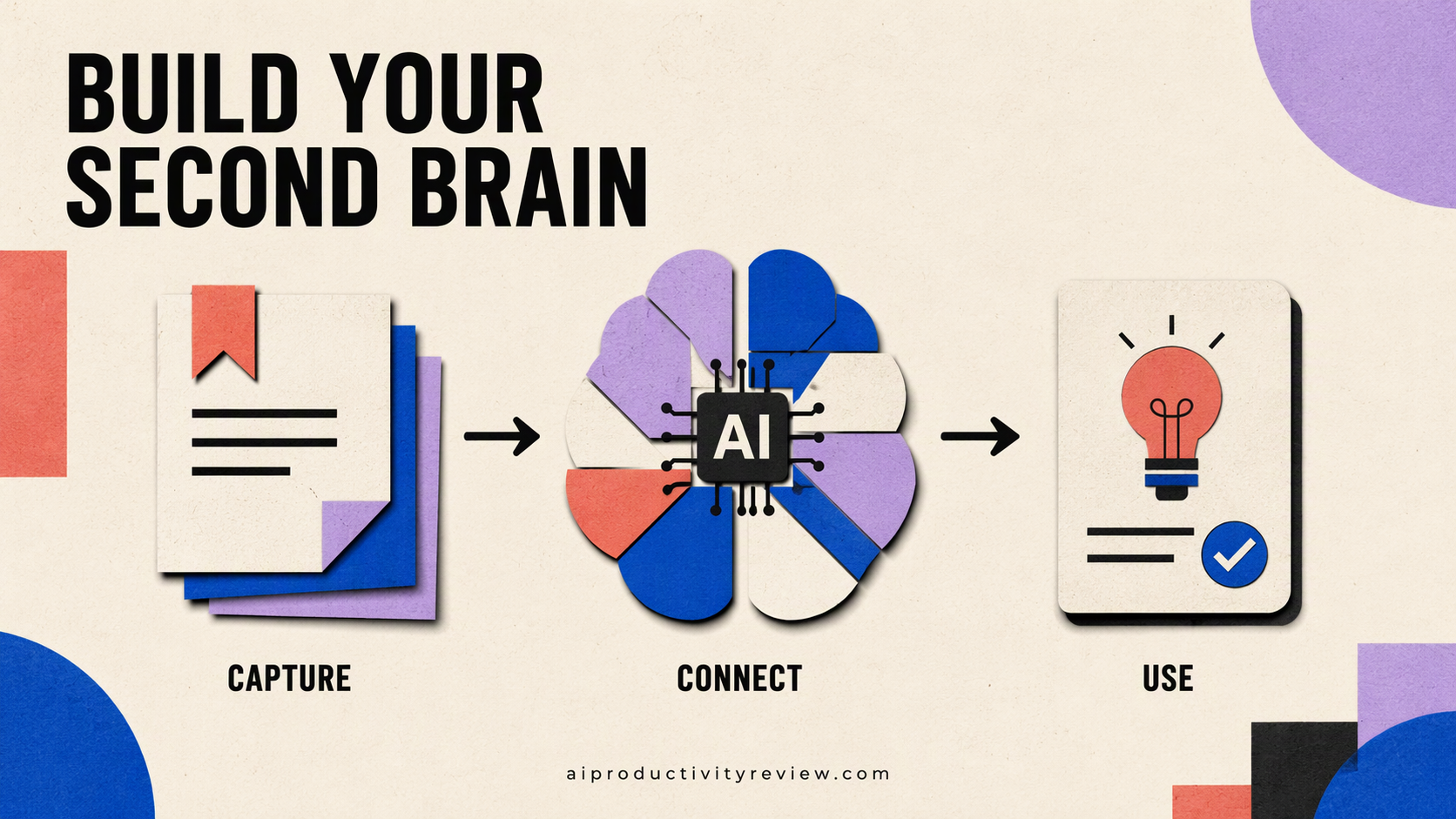
Tiago Forte, who popularized the idea, defines it as "an external, centralized, digital repository for the things you learn". His method has four steps, called CODE:
- Capture the ideas worth saving.
- Organize them around your active projects.
- Distill them into short, useful summaries.
- Express them by making something real.
He also uses PARA to organize: Projects (short-term efforts with a goal), Areas (ongoing responsibilities), Resources (topics you're interested in), and Archives (inactive stuff you might want later)
The ideas are OK. The upkeep is where most people like me quit. But thanks god, that's the part AI is good at 😎
What AI changes for a Second brain
CODE step | Old way | With AI |
|---|---|---|
Capture | Copy, paste, title, tag | Clip, speak or forward; AI titles and tags |
Organize | Manual folders and PARA | AI suggests folders and links related notes |
Distill | Progressive summarization by hand | AI summarizes; you rewrite the key line in your own words |
Express | Hunt through notes for material | Ask your notes a question, get cited answers |
What AI doesn't change:
- Choosing what to save. If you capture everything, you've built a junk drawer with a search bar.
- The final thinking. AI can draft. You decide what's true and what's useful.
Pick your AI second brain: 4 good setups
Here are my gems
Tool | Best for | AI that matters for a second brain | Price |
|---|---|---|---|
Saner.AI | People who want notes, tasks, email and calendar in one place with little setup | Auto folders and tags, chat over notes with citations, tasks from email | Free; Starter $8/mo; Standard $16/mo (pricing) |
Notion + Notion AI | People who love building systems and databases | Notion Agent, AI meeting notes, enterprise search | Full AI on Business at $20/member/mo (pricing) |
Obsidian + AI plugin | Tinkerers who want local files and full ownership | Community plugins like Copilot for Obsidian, with your own API key | App free; Sync from $4/mo yearly (pricing) |
Gemini Notebook (formerly NotebookLM) | Research-heavy work on a set of sources | Chat and summaries grounded in uploaded sources | Free tier: 100 notebooks, 50 sources each (limits) |
Quick guidance:
- Hate setup? Saner.AI
- Love databases? Notion.
- Care most about owning your files? Obsidian.
- Writing a thesis or a big report from sources? Gemini Notebook, alongside one of the above.
Want a deeper app comparison? Our best AI second brain apps roundup covers more tools
How to build a second brain with AI
in just a couple of minutes
Step 1: List your active projects
Open a blank note. Write every project with a finish line. "Launch pricing page." "Plan Lisbon trip." "Q1 board deck."
Then list your areas: things with no finish line. Health, finances, team, home.
This list is the spine of your second brain. Every note will hang off it. If you end up with 40 projects, you have a different problem. (My AI prioritization guide can help.)
AI shortcut: paste your calendar for the next month and your task list into your AI tool and ask: "Group these into projects with a clear outcome, and areas of ongoing responsibility."
Step 2: Create a tiny structure
Make just four top-level folders: Projects, Areas, Resources, Archive. Inside Projects, one folder per active project.
That's it. Don't build subfolders yet. Let AI auto-folders and tags do the fine sorting later. In Saner.AI that happens automatically 💪 . In Notion, use a single database with a "Project" property. In Obsidian, plain folders plus a plugin.
Step 3: Set up three capture doors

Capture has to be faster than forgetting.
- A browser clipper for articles and pages (Saner's Chrome extension, Notion Web Clipper, or Obsidian Web Clipper).
- Voice capture on your phone for ideas on walks. Most of these tools take voice notes and turn them into text.
- An email or chat path for stuff that arrives in messages. Saner can pull from Gmail, Outlook, Slack and Google Drive;
Step 4: Import your old notes
You have notes scattered across Apple Notes, Google Docs and three abandoned apps. Don't migrate them all.
- Export only what you've touched in the last 6 months.
- Import into one tool. Saner imports Markdown, Obsidian vaults, PDFs and images. Notion and Obsidian both handle Markdown.
- Dump the rest into Archive. You can search it if you ever need it. You won't.
Step 5: Let AI do the first distill
Pick three notes you saved recently. For each, ask your AI:
"Summarize this in 3 bullets. Then give me the one sentence I'm most likely to need again, and which of my projects it relates to."
Then, and this matters, rewrite that one sentence in your own words. Forte's progressive summarization ends with a summary in your own words for a reason (his method). AI summaries are easy to read and easy to forget. Your sentence sticks.
Step 6: Ask your second brain a question
Try the AI capabilities:
- "What do I already know about pricing pages?"
- "What did I decide about the Lisbon budget?"
- "Find every note that mentions the onboarding redesign and list the open questions."
Good tools answer with citations to your notes. If the answer is wrong or thin, that's useful feedback. It means you're not capturing the right things yet.
Step 7: Schedule a weekly review

A second brain without a review is a landfill. Every Friday:
- Clear the inbox. Move or delete anything uncategorized. (5 min)
- Archive finished projects. Drag the folder to Archive. Very satisfying. (2 min)
- Ask AI for a recap: "Summarize what I captured this week and suggest which notes connect to my active projects." (5 min)
- Turn one note into one action. A task, a draft, a message. That's the Express step. (3 min)
I have a whole guide on running a weekly review with AI if you want the long version.
A daily workflow that takes 5 minutes
Once it's built, here's what my normal day looks like:
- Morning (2 min): Ask "What's on my plate today, and which notes are relevant?" Saner sends this as a proactive daily plan.
- During the day (0 min extra): Clip, speak or forward anything worth keeping. Don't organize. Just capture.
- End of day (3 min): Do a quick brain dump with AI of whatever's still in your head, and let AI turn it into tasks and notes.
6 mistakes that kill AI second brains
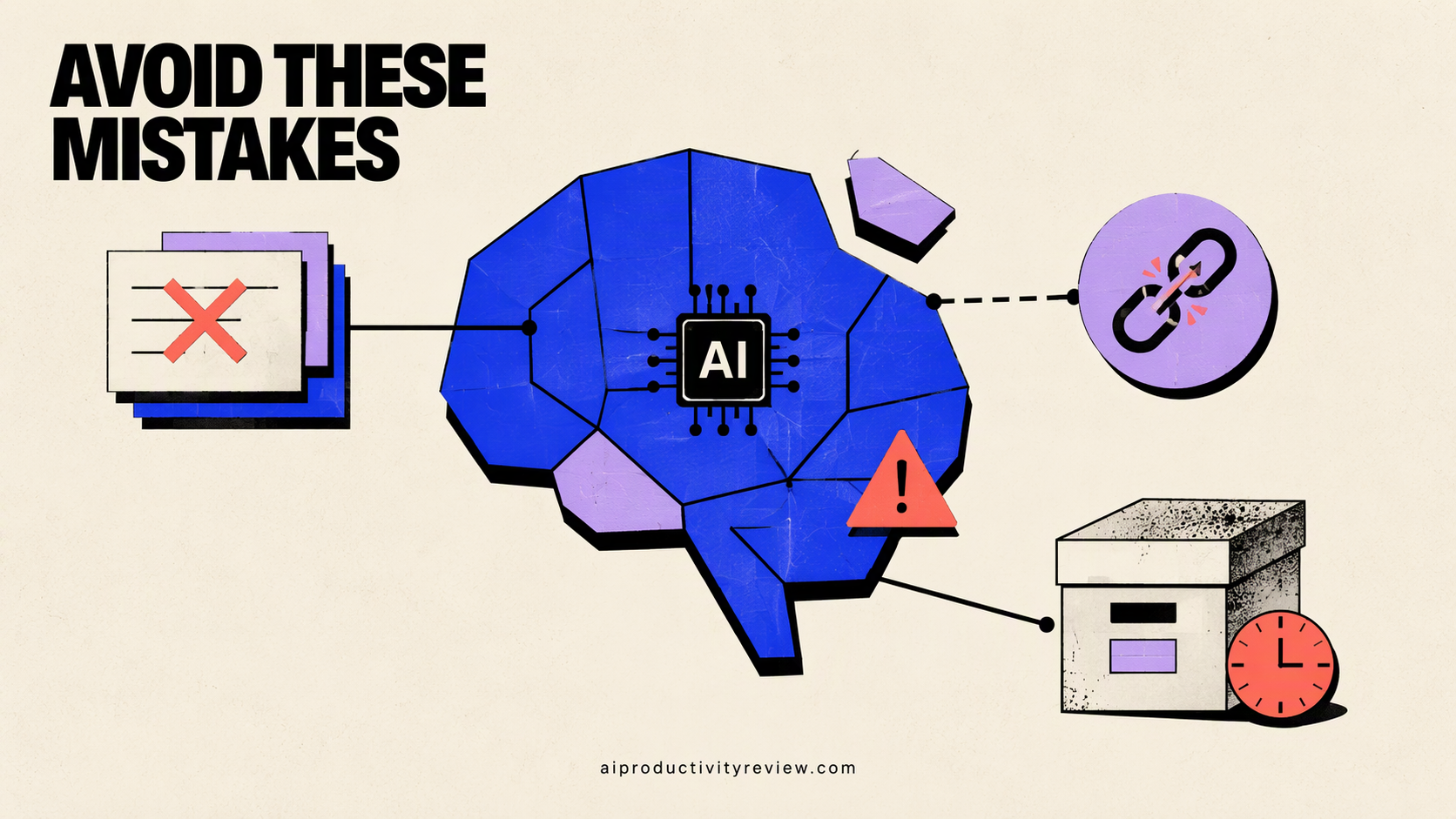
- Capturing everything. If you wouldn't reread it, don't save it.
- Building the system for weeks before using it. Use it on day one. Fix it on day eight.
- Trusting AI summaries blindly. AI can miss the point or get a detail wrong. Check anything you'll quote or decide on.
- Too many apps. One app for notes. Maybe one for tasks. If you're juggling four, read my AI for information overload guide.
- No link to action. Notes that never become tasks, drafts or decisions are hobby collecting. (Fine as a hobby! Just call it that.)
- Putting sensitive data in the wrong tool. Check each app's data policy before you import client or personal records.
Who this setup is for

- Founders and managers juggling many projects and conversations.
- Researchers and writers who need to find that one quote from three months ago.
- Anyone with a messy brain who loses ideas between the shower and the laptop.
It's probably overkill if you have one job, one project and a great memory. In that case, congratulations, and please share your secret.
Your next 15 minutes
- Write your project list (Step 1).
- Install one capture door (Step 3).
- Save one thing and ask your AI one question about it.
Start there. The fancy stuff can wait. If you're choosing between tools, compare Notion AI vs Saner.AI next.
FAQ
What is a second brain?
A second brain is "an external, centralized, digital repository for the things you learn," in Tiago Forte's words. In practice it's one app where you capture notes, organize them by project, and pull them back out when you need them.
Can AI build a second brain for me?
AI can do most of the upkeep: titling, tagging, filing, summarizing and finding notes. It can't choose what's worth saving or do your final thinking. Plan on about two hours to set it up and 15 minutes a week to maintain it.
What's the best app for an AI second brain?
It depends on how much setup you want. Saner.AI need the least. Notion suits people who like databases. Obsidian suits people who want local files. Gemini Notebook (formerly NotebookLM) works best for research on a fixed set of sources. Our best AI second brain apps roundup compares them.
Do I still need PARA if AI organizes my notes?
Keep a light version. A short list of active projects gives AI something to sort against. Four top-level folders (Projects, Areas, Resources, Archive) are enough; let AI tags handle the rest.
Is ChatGPT enough for a second brain?
It helps with summarizing and drafting, but a chat history is a poor place to store and find notes. Use a notes app as the store and an AI that can search it.
How long does it take to build a second brain with AI?
About two hours for the setup in this guide, then 5 minutes a day and 15 minutes a week.