Todoist vs Saner.AI: To-Do App or AI Assistant That Plans Your Day?

The short answer
Todoist is the better pure task manager. It's fast, cheap, works everywhere, and its AI (Ramble, Task Capture, Filter Assist) is now good at getting tasks in.
Saner.AI is the better pick if your tasks are born inside notes, emails and meetings, and you want an assistant that turns all of that into a daily plan.
Todoist | Saner.AI | |
|---|---|---|
Core idea | Task manager with AI capture | AI assistant for notes, tasks, email, calendar |
Free plan | 5 projects, 3 filters, 10 AI sessions/month | 100 notes, 30 AI messages/month |
Paid | Pro $5/mo yearly or $7 monthly; Business $8/user/mo yearly (Todoist pricing) | Starter from $8/mo, Standard from $16/mo (Saner pricing) |
Voice brain dump | Ramble (about 40 languages) | Voice notes, tasks extracted |
Notes | Task descriptions and comments only | Full notes with AI tagging |
Email to task | Forwarding address on all plans; Email Assist on Pro+ | Gmail and Outlook sync |
Calendar | Google or Outlook sync (one at a time); calendar layout on Pro | Google and Outlook calendar, time blocking, Focus Box |
Daily planning | You plan in Today/Upcoming | Skai proposes a daily plan |
Teams | Business plan, solid | Not a team tool |
Works with Claude/ChatGPT | Official connectors + MCP server | Not that I could verify |
The real difference: where do your tasks come from?
If most of your tasks start as "oh, I need to do X" and you type them straight in, Todoist is perfect. Its quick add parses "pay rent every 1st at 9am" in one line. Lovely.
But many knowledge workers don't work like that. Tasks hide inside:
- A client email from Thursday.
- A note from a call.
- A voice memo recorded while walking the dog.
- A Slack thread you swore you'd come back to.
In that case, Saner.AI is a better fix.
Todoist: what's new and what's good
Todoist has quietly shipped a lot of AI this past year. Under the "Todoist Assist" banner
- Ramble. Talk, and it turns your rambling into tasks with dates and projects. Works on web, desktop, iOS, Android and (in beta) Wear OS, in roughly 40 languages. Still labeled "experimental."
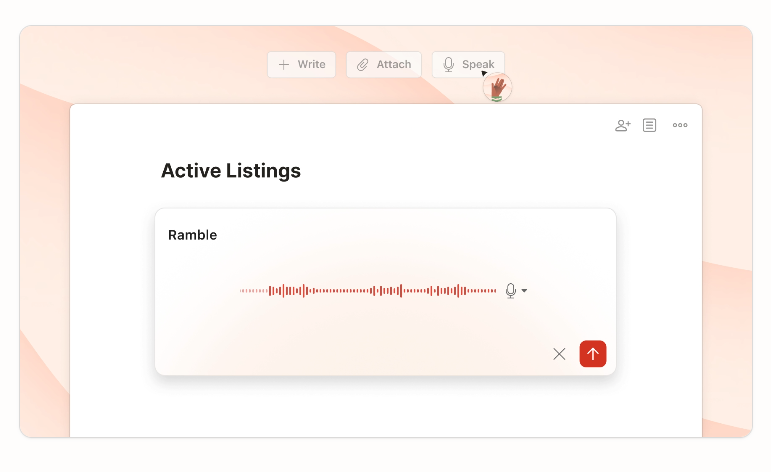
- Task Capture. Feed it text, a photo of a whiteboard, or a PDF and it suggests tasks for you to review.
- Filter Assist. Describe a filter in plain English ("high priority work tasks due this week") and it builds the query. All plans.
- Email Assist. When you forward an email, it pulls out dates and meeting links and rewrites the task name. Pro and Business.
- Connectors. Official Claude and ChatGPT connectors plus an MCP server, so other AI tools can create and read your tasks.
Limits worth knowing: the free plan gets 10 AI sessions a month (Ramble and Task Capture share them), and a session only counts if it finds at least one task
Where Todoist wins
- Speed. Natural-language dates on every plan. Nothing beats it for "add task, move on."
- Price. Pro is $5 a month on yearly billing. That's cheaper than a sandwich in most cities. (A sad sandwich, but still.)
- Everywhere. Apps on basically every platform, widgets, Siri, watch.
- Teams. The Business plan handles shared projects with up to 1,000 members and guests.
Where Todoist falls short
- No real notes. Descriptions and comments aren't a knowledge base. Your meeting notes live elsewhere.
- You still plan the day. Todoist shows you Today. It doesn't decide what fits around your 3 p.m. call.
- One calendar provider at a time. Google or Outlook, not both (calendar help). And creating an event in the synced calendar doesn't create a task.
- Calendar layout is Pro only.
Saner.AI: what you get
- Notes and tasks in one place. Write a note, Saner pulls the tasks out. Voice notes too.
- Email to tasks. Gmail and Outlook connected directly.
- Calendar sync and time blocking. Google Calendar and Outlook. A Focus Box for your top three tasks.
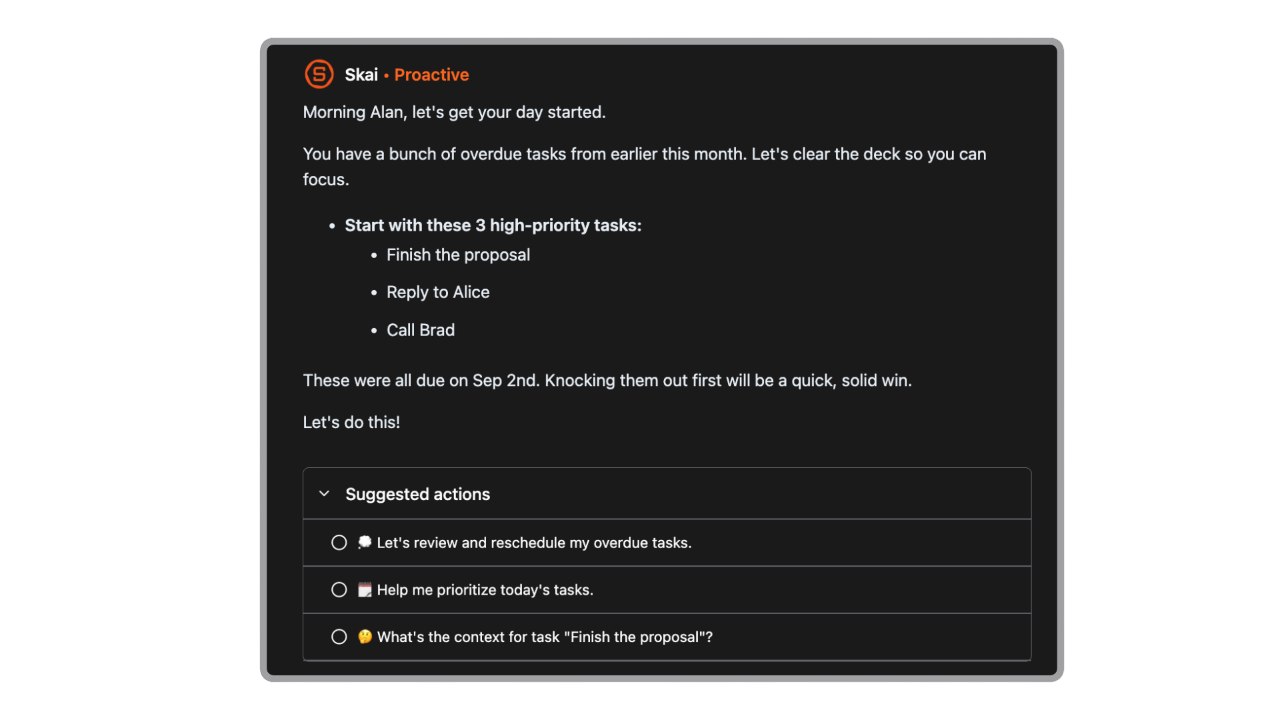
- Skai. The assistant sends a proactive daily summary from your calendar, overdue tasks and recent notes, and suggests a plan.
- Search across your stuff. Ask questions over notes plus synced Drive, email and Slack.
- Apps. Web, Chrome extension, iOS and Android.
Where Saner wins
- Tasks that live next to their context. The task "send revised quote" sits next to the note explaining what changed. No digging.
- Morning planning done for you. Great if your mornings start with staring at a list of 63 things.
- Low setup. No projects-and-labels architecture to design.
Where Saner falls short
- Not a team task tool. No shared projects, assignees or roles like Todoist Business.
- Less mature task features. Todoist's recurring-date parsing, filters and labels are deeper.
- Pricier at the low end. Saner starts from $8 a month vs Todoist's $5 (yearly). You do get notes and email in that price.
Side-by-side: four everyday workflows
Workflow 1: the Monday brain dump
Todoist: Open Ramble. Talk for two minutes: "Call the accountant Tuesday, finish deck by Thursday, buy cat food." It shows tasks with dates. You confirm. Very slick.
Saner: Record a voice note. It's saved as a note and tasks get extracted. They show up in your plan.
Verdict: Basically a tie. Todoist's Ramble is a bit more polished for pure task capture. Saner keeps the full note, which helps when your ramble also includes ideas on top of to-dos. Our brain dump with AI guide has prompts that work with either.
Workflow 2: email to task
Todoist: Forward the email to your project's address. On Pro, Email Assist cleans up the task name and grabs the date. Or use the Gmail add-on.
Saner: Connect Gmail or Outlook and turn the email into a task inside Saner.
Verdict: Todoist if you like forwarding. Saner if you want email, notes and tasks searchable together. For more on inbox workflows see how to use AI to manage email.
Workflow 3: "What should I actually do today?"
Todoist: Open Today. Sort by priority. Drag into the calendar layout (Pro). You make the calls.
Saner: Skai's morning summary lists your meetings, overdue tasks and suggested priorities. Put your top three in the Focus Box and block time.
Verdict: Saner. This is its homerun. If you prefer doing it yourself in any tool, our prioritize tasks with AI guide shows a simple method.
Workflow 4: breaking down a scary project
Todoist: Task Assist (desktop/web, Pro) splits "launch website" into sub-tasks.
Saner: Ask Skai to break it down. The sub-tasks land as tasks you can schedule.
Verdict: Both fine. Todoist's sub-task structure is cleaner. See how to break down a task with AI for prompts.
Can you use both?
You can. Some people use Todoist as the task engine and something like Saner as the notes-and-planning brain. The honest downside: tasks extracted in Saner won't show up in Todoist automatically, as far as I could verify. So you'd be copying. Most people should pick one.
Still comparing? These might help:
- Best AI task managers (the full roundup)
- Akiflow vs Saner AI if you want time blocking front and center
- Best Things 3 alternatives if you're coming from Apple land
Who should pick which?
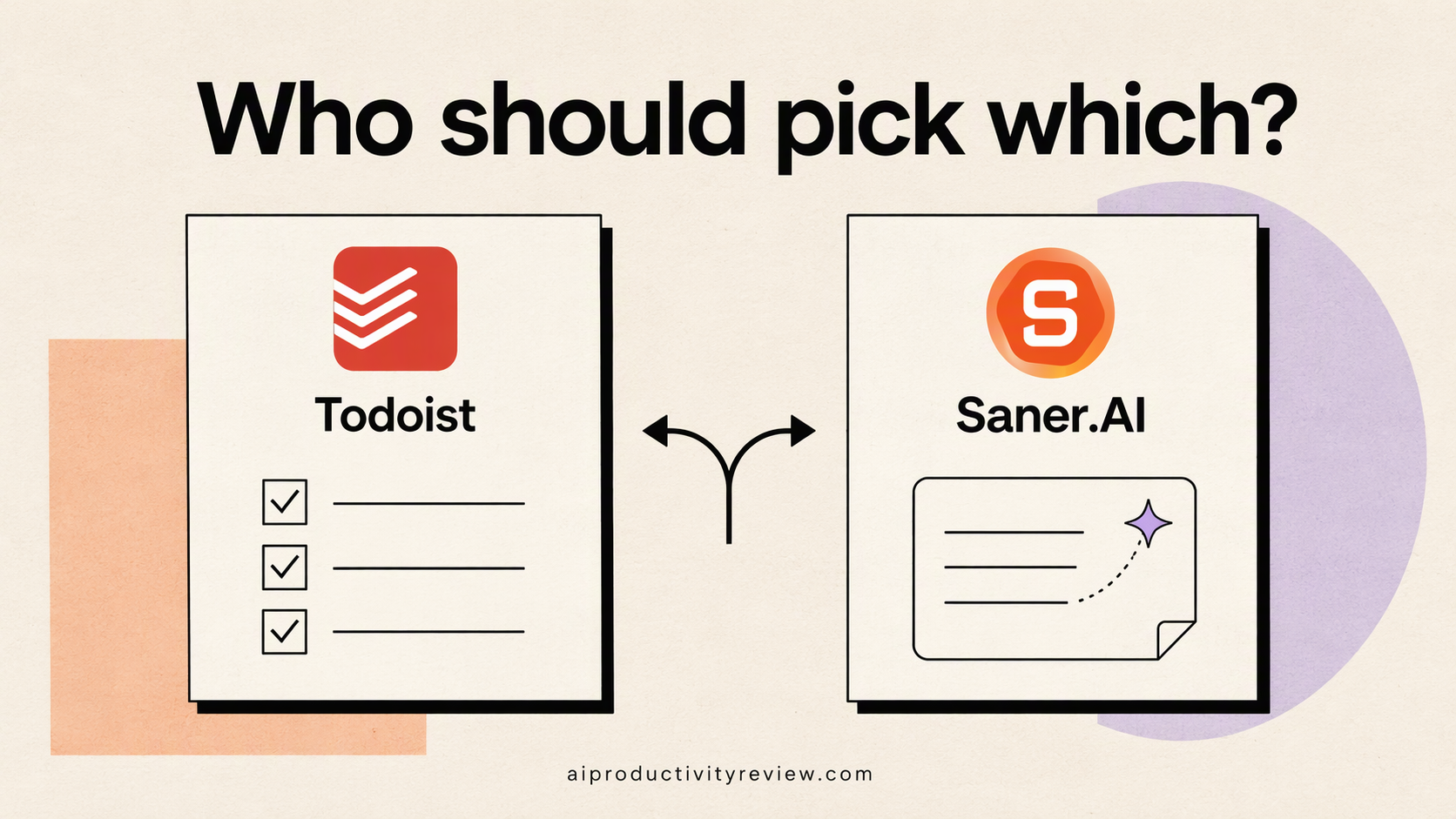
Choose Todoist if:
- You think in lists, and your tasks mostly start in your head.
- You want the cheapest solid option.
- You share projects with a team or family.
- You use Claude or ChatGPT and want them writing tasks for you.
Choose Saner.AI if:
- Your tasks hide in notes, emails and calls.
- You want a daily plan proposed, not built from scratch.
- You'd rather have notes and tasks in one app.
- Setting up projects and labels makes you want to lie down.
Final verdict
Todoist is the best pure to-do app in this comparison, and its 2026 AI features make capture very quick. Saner.AI is the better fit when tasks are tangled up with notes and email and you want an assistant to untangle them each morning.
Try both free plans for a week. The one you open without thinking about it is your answer.

FAQ
Is Todoist Ramble free?
Ramble is on all plans, including free, but free accounts share 10 sessions a month with Task Capture. Paid plans get unlimited use.
Is Saner.AI a Todoist alternative?
For solo users whose tasks come from notes and email, yes. For teams sharing projects, or people who want a pure list app, Todoist is the better tool.
Which is cheaper, Todoist or Saner.AI?
Todoist. Pro is $5 a month billed yearly ($7 monthly). Saner's paid plans are listed from $8 a month. Saner bundles notes and email features into that price.
Does Todoist sync with Google Calendar?
Yes, on all plans. Timed tasks sync to a Todoist calendar and edits flow back. You can connect Google or Outlook, but only one provider at a time (Todoist help).
Can Saner.AI plan my day automatically?
Its assistant, Skai, sends a proactive daily summary from your calendar, overdue tasks and recent notes and suggests what to focus on. You still decide.