4 Best Town Alternatives in 2026 (Tested and Compared)
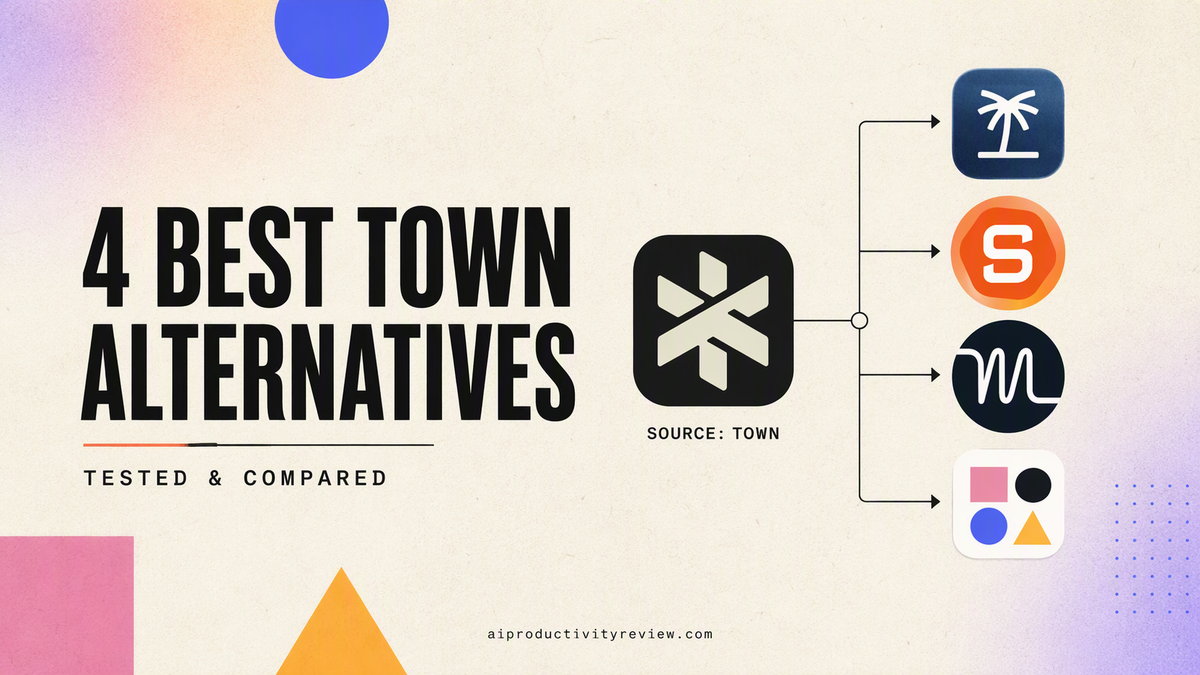
💡 Quick answer: Town.com acts as an AI chief of staff that manages your inbox, files, and calendar, but its credit system gets expensive quickly. If you want a cheaper, text-based alternative, go with Poke. For hands-off time blocking that automatically rearranges your day around tight deadlines, choose Motion. If you need an automated calendar to protect your habits without paying anything, pick Reclaim.ai. Finally, if your biggest hurdle is overwhelmed brain and ADHD time-blindness, Saner.ai easily turns your messy voice notes and scattered thoughts into a clear schedule for a fraction of the cost.
What Town does well (a quick, fair recap)
Where it goods at:
- A dedicated @town.com address for your Townie: forward a thread to it the way I'd forward it to a real assistant, which is a lower-friction interaction model than most "connect an app and write prompts" competitors
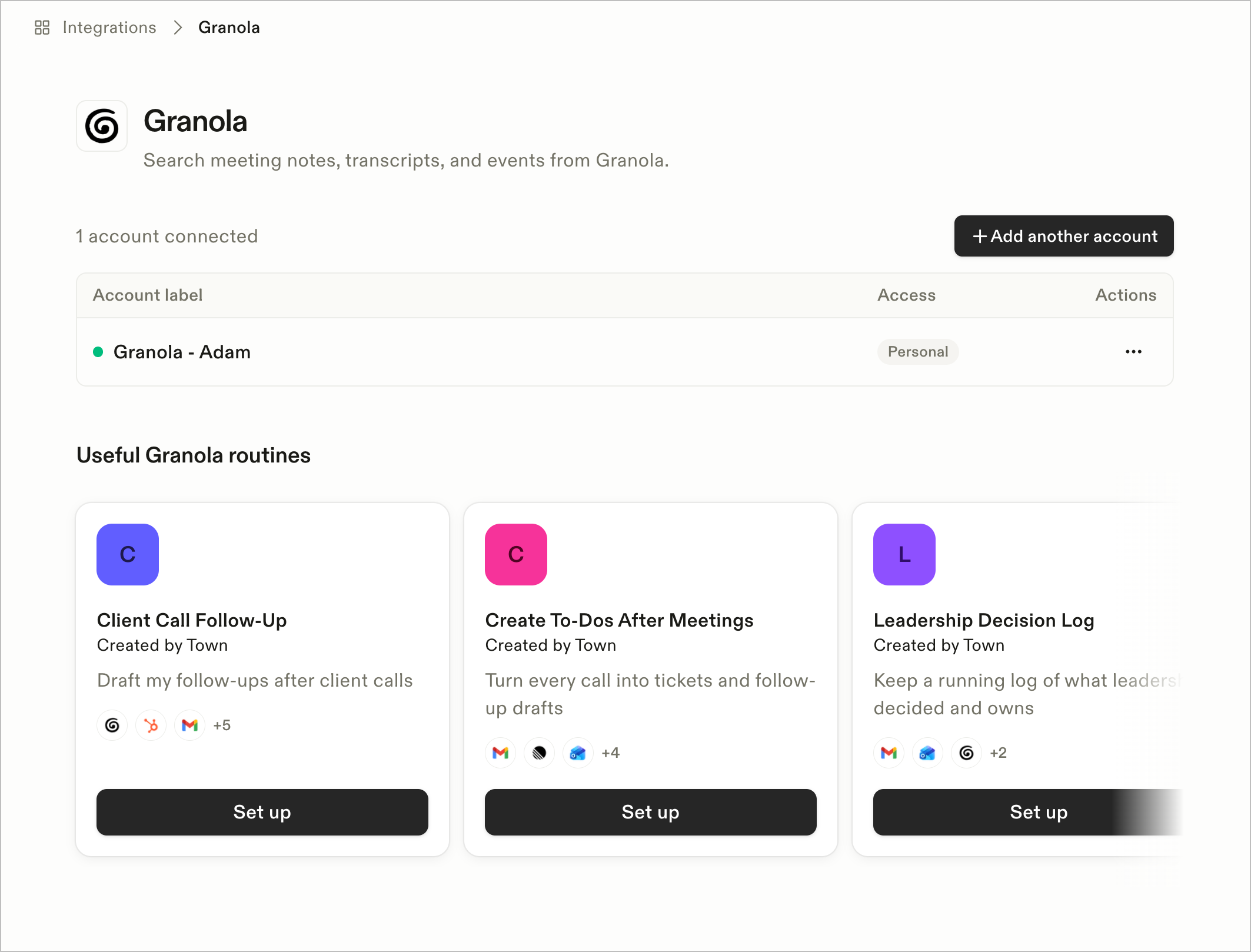
- Recurring routines, not just chat: scheduled or trigger-based jobs like a daily inbox triage, a Sunday-evening week-ahead briefing that emails for actionable recommendations, or automatic research the moment a new contact reaches out
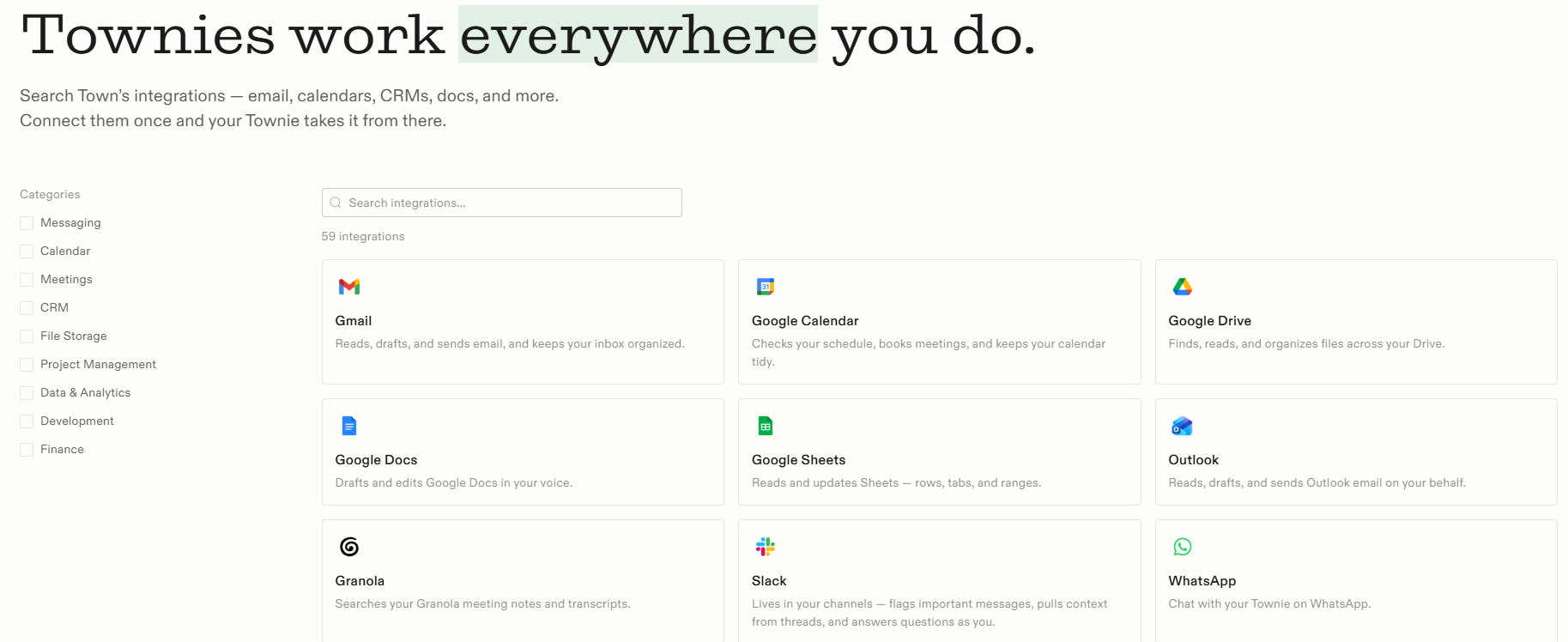
- Broad, deep integrations: 50+ connected tools spanning email, calendar, Slack, Notion, Linear, Ashby, Google Sheets (it can even read cell colors and conditional formatting)
- Real approval controls: Town says it never sends an email or calendar invite without my sign-off, and I decide what it's allowed to do autonomously versus what needs review
- Fast-moving development: Outlook support, team workspaces, and unlimited custom routines on higher tiers all shipped within weeks of its June 2026 public launch
- A real free plan: 30 chats a month with all integrations included, plus a 14-day Pro trial for new accounts
Where it falls short:
- Credit-based pricing gets complicated and expensive fast: Starter is $15/month, but Pro runs $49/user/month billed annually, with Power at $99 and Power Plus at $199, and every plan meters chat messages and routine runs against a monthly credit allotment, billing overage at roughly $0.03–$0.044 per credit once you exceed it
- It's cloud-only and closed-source: There's no option to self-host, and if your workflow needs something off Town's fixed menu of routines and integrations, there's no way to build or install a custom skill
- Broad inbox access is a real security consideration, not just a hypothetical one: OWASP's 2026 State of Agentic AI Security report catalogs a sharp rise in real, documented prompt-injection incidents against agents with access to private data and external communication ability, exactly the profile of an assistant like Town's that reads your email and can act on it (Help Net Security, reporting on OWASP's 2026 report).

What to look for in a Town alternative?
Depends on your needs to be honest, but here are some aspects to consider:
- Want the same "assistant with its own identity" model, cheaper? Look for a texting-first or lighter-weight assistant with transparent, non-metered pricing
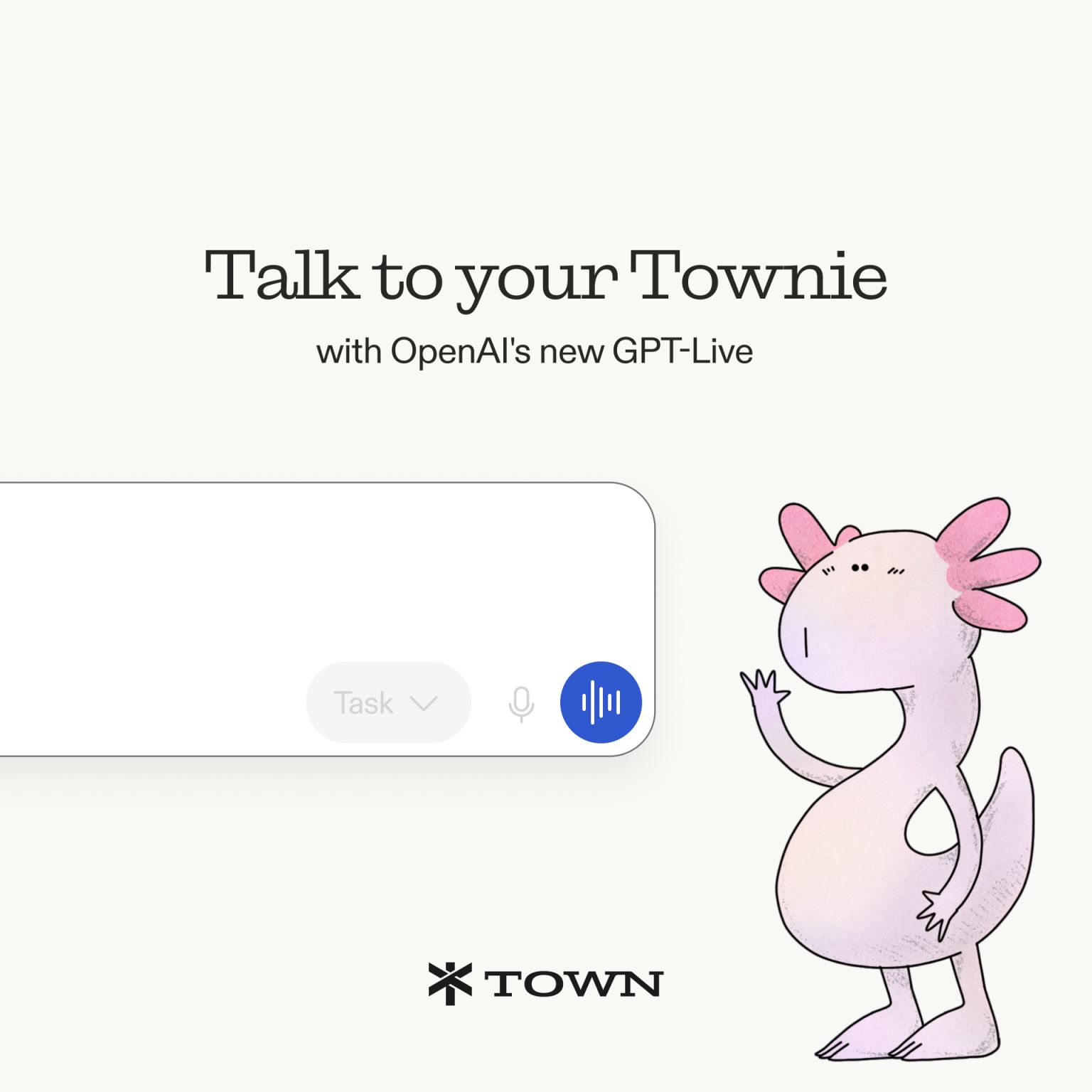
- Want voice as the primary interface instead of chat or email forwarding? Look for a tool built around that
- Want a narrower job done well - tasks onto a calendar, nothing broader? A full "AI chief of staff" is overkill; a calendar-and-task-focused tool will serve you better and cost less
- Want to avoid credit-metered pricing surprises entirely? Prioritize flat-rate plans over consumption-based billing
1. Saner.ai - best for proactive, capture-first calendar and task management
Town is trying to be a full AI chief of staff - inbox, calendar, documents, contact research, business tool integrations, all in one metered subscription. That's useful if you need all of it. But a lot of people reaching for Town are really trying to solve one specific problem underneath all that scope: I have things I need to do, and they're not making it onto my calendar in an organized way.
Saner.ai is built specifically for that narrower, more common problem, and it leans into three things that don't require Town's broader inbox-access footprint:
- AI voice-to-calendar capture: label an email to let Saner read it, or dump any thought, and its AI reads the intent, breaks anything vague or oversized into concrete steps, and schedules the result directly.
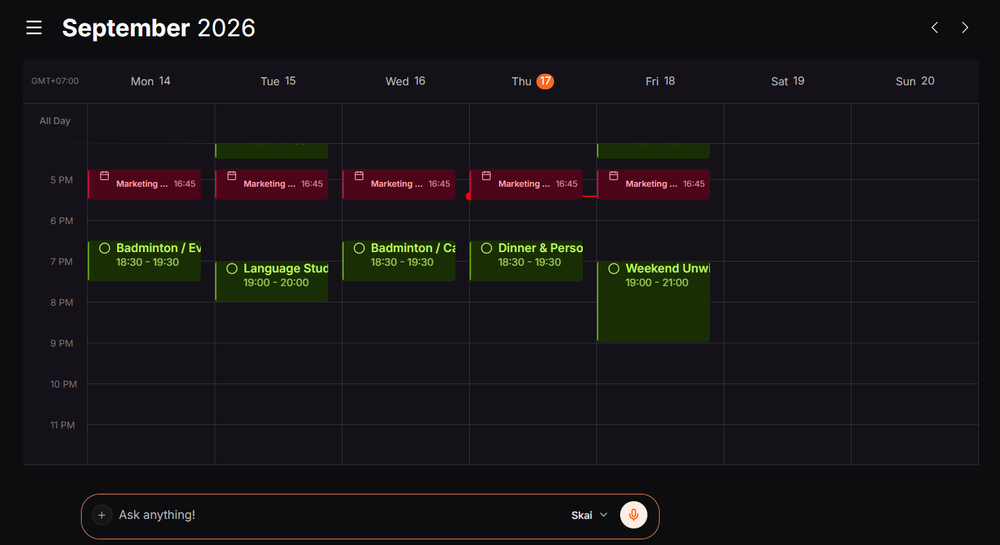
- Proactive daily planning: instead of opening a blank calendar and deciding what goes where, Skai drafts a plan overnight from my notes, inbox, and unfinished items.
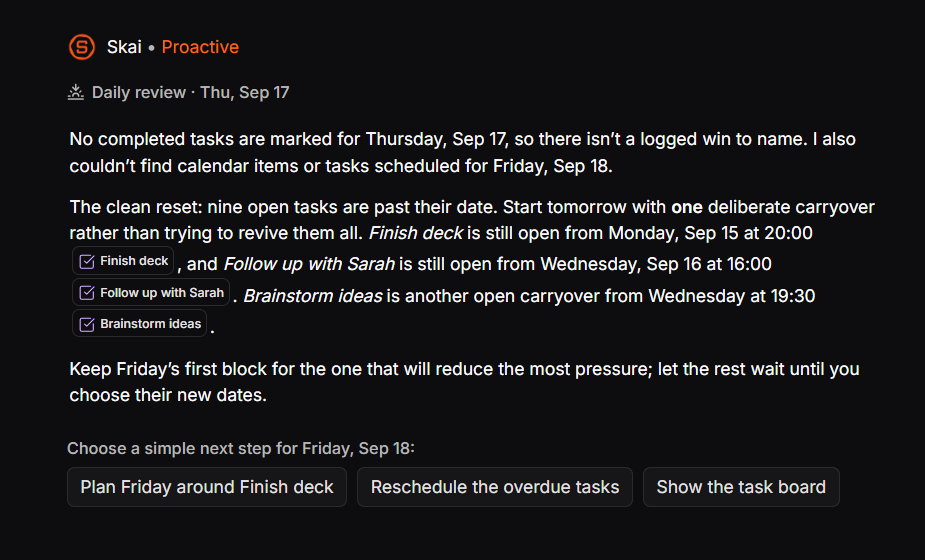
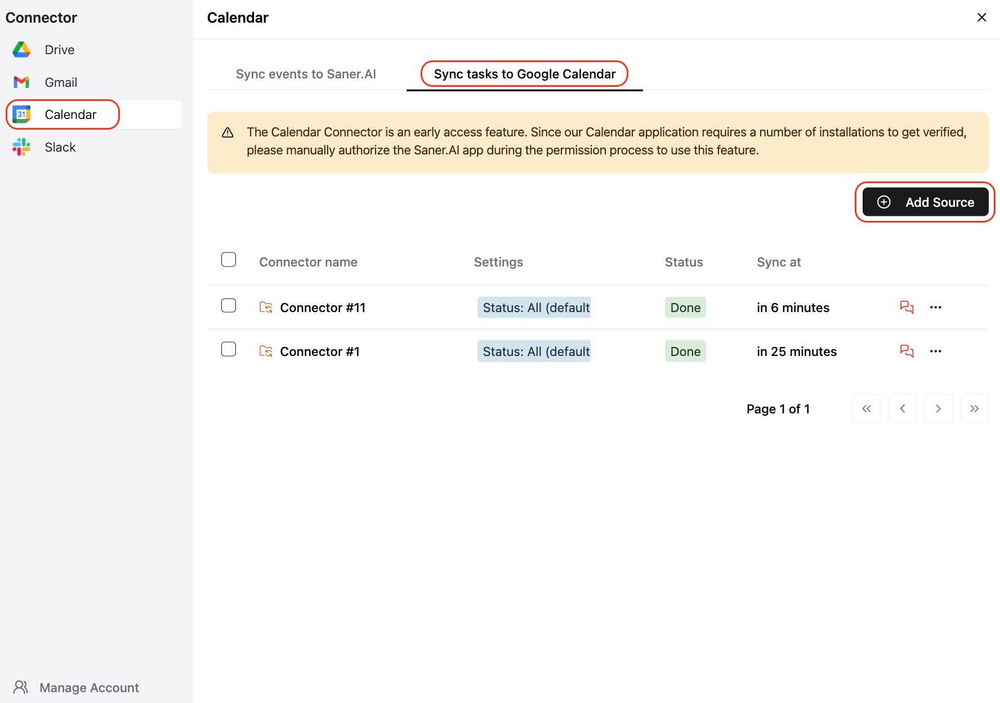
- Task manager, notes, and calendar as one system: a thought I wrote down last week can resurface as a scheduled task automatically.
- Price: Free plan available; paid tiers from $8/month (Starter) to $16/month (Standard) - flat-rate, not credit-metered, and cheaper than Town's $15–199/month range
- Best for: People whose actual bottleneck is capture and daily planning specifically, not full inbox triage, contact research, or business-tool automation - including easily overwhelmed brain with ADHD-related time blindness, where a narrower, calmer tool can matter more than a broader one
- Trade-off: It won't triage my inbox, research a new contact, or run custom routines across Linear and Ashby the way Town does - it's solving the calendar-and-task piece specifically, not trying to be a full chief of staff
2. Poke - best for a cheaper, texting-first assistant
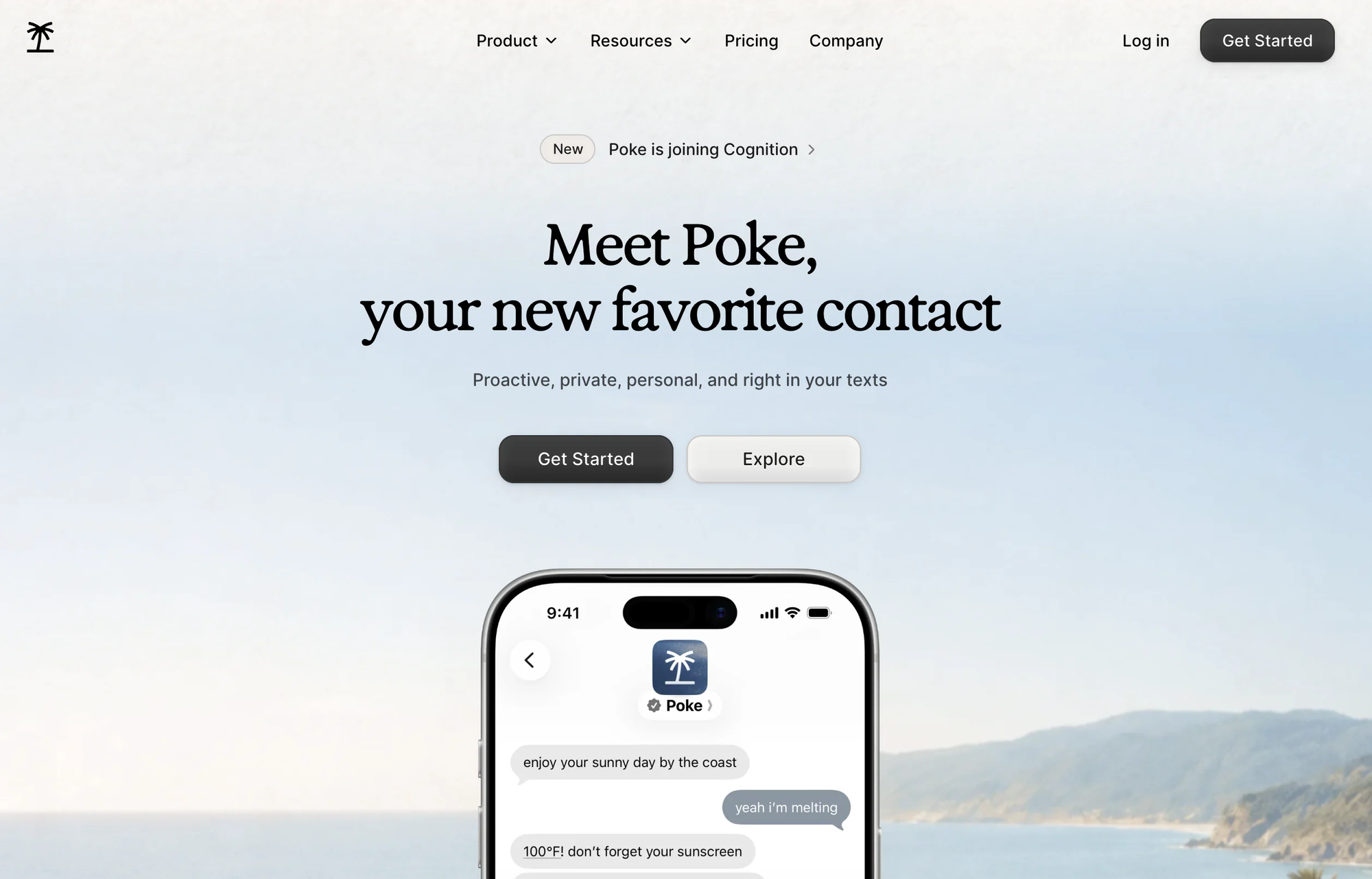
If what drew you to Town was the idea of an assistant with its own identity that you interact with naturally, Poke is the more accessible version of that idea. It lives inside iMessage, WhatsApp, SMS, and Telegram rather than requiring its own app, connects to Gmail and Google Calendar, and proactively texts you first when something needs attention -an unanswered email, an unconfirmed meeting, a task you'd track.
- Price: Free tier available; Pro around $16–19/month billed annually, Ultra at $199/month for heavy users
- Best for: People who want a proactive assistant without leaving the messaging apps they already live in
- Trade-off: Shakier on anything requiring three or more chained actions in testing, and its integration depth doesn't match Town's 50+ connected business tools
What it does best:
- Zero new apps to learn: Lives directly in my texts (iMessage, WhatsApp, Telegram, SMS), talk to it naturally like an actual assistant without switching tabs or opening a dashboard.
- Connects to everyday tools and smart homes: Links directly with apps like Notion, GitHub, and smart home devices, expanding its reach far beyond basic text chats.
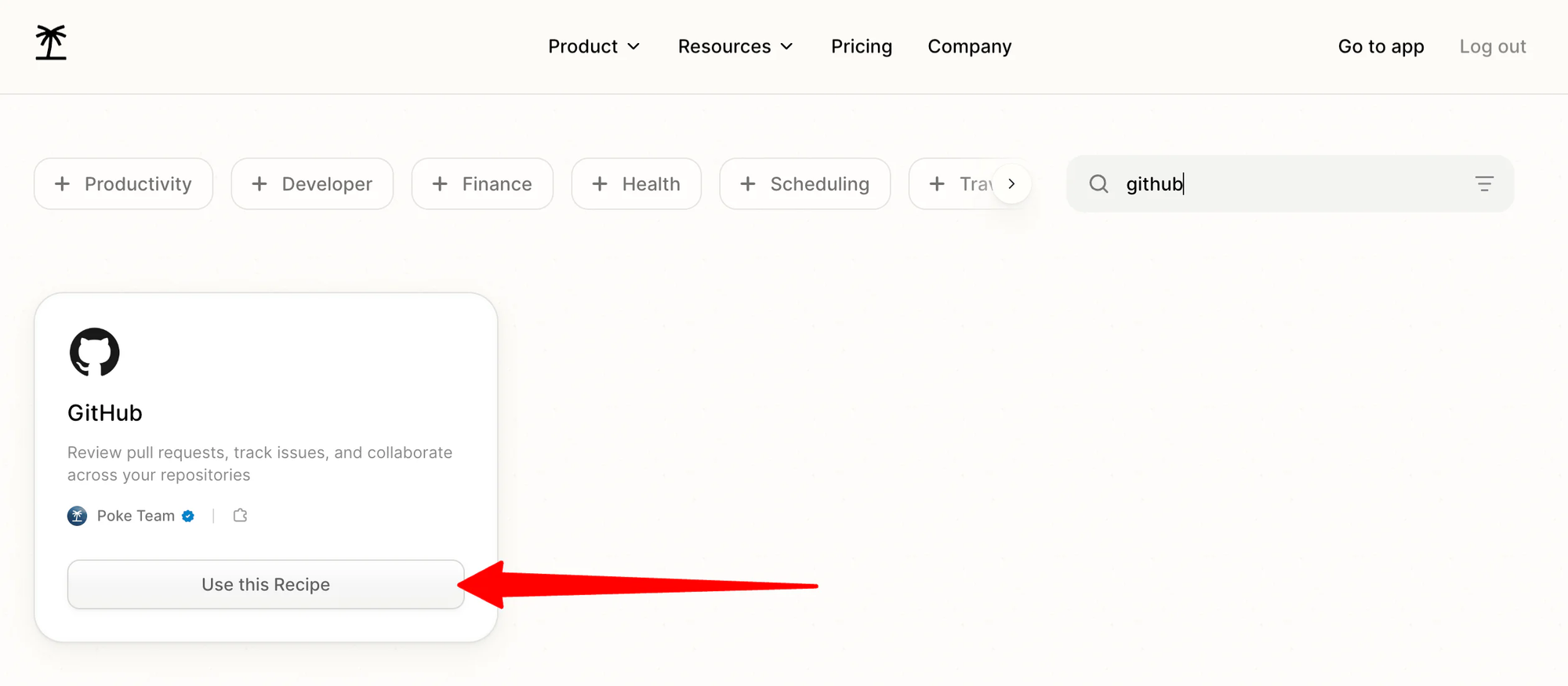
- Fastest, frictionless setup: Connects with my phone number, Google Calendar, and Gmail in about a minute - no complicated onboarding steps or project imports.
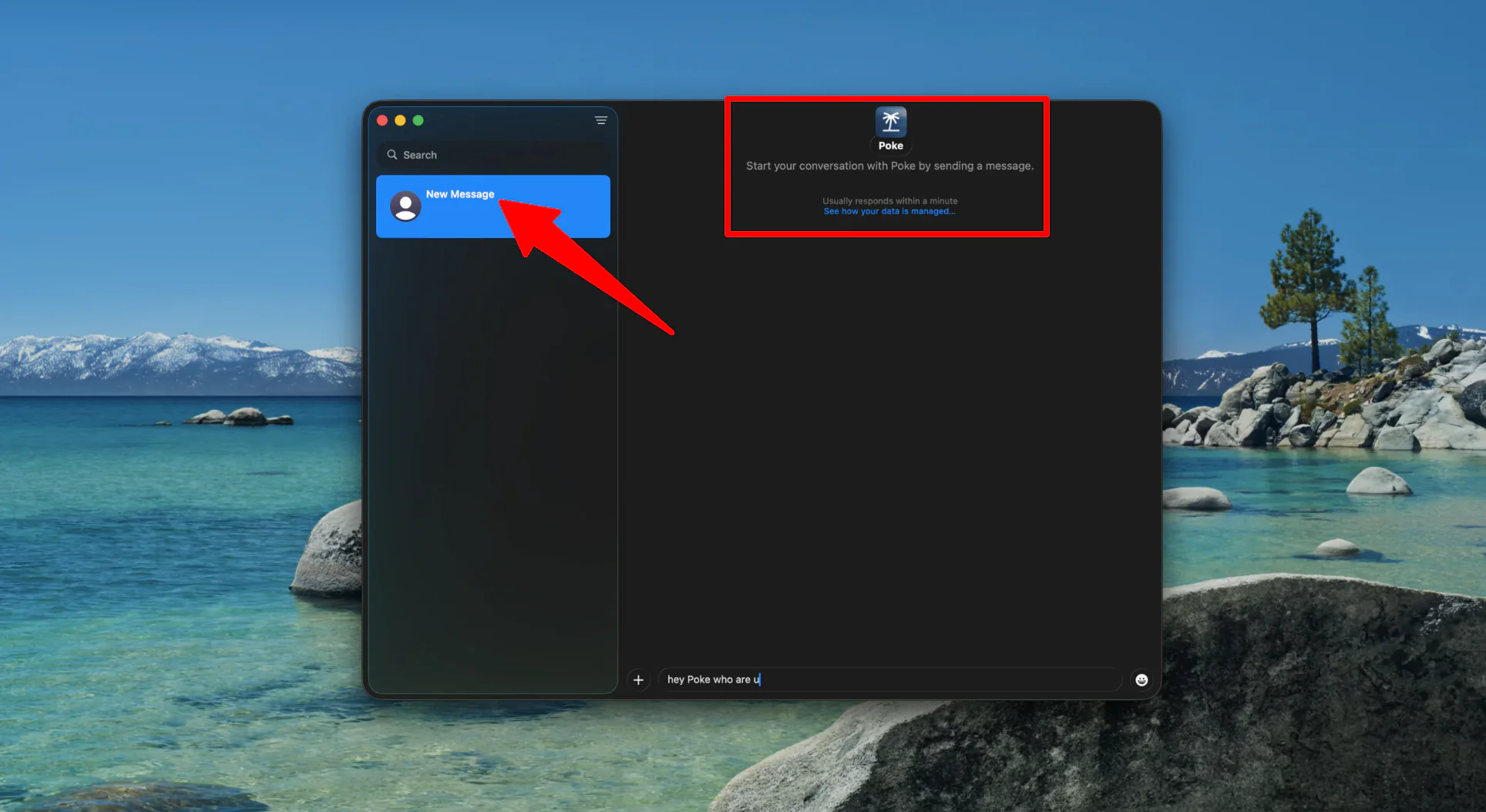
- Conversational memory: Remembers personal details, past decisions, and preferences from previous chats to make future suggestions feel tailored.
Where it falls short:
- Stumbles on complex, multi-step tasks: Struggles when chaining more than two or three actions together, sometimes muddling up dates, time zones, or specific calendar details.
- No central notes or task dashboard: Conversations disappear up my chat thread; it has no searchable visual board, or dedicated inbox to browse my saved to-dos.
- Noisy email alerts: Its proactive inbox filter can sometimes flag low-priority emails as urgent while missing threads that actually matter.
- Narrow work integrations: Connects smoothly with Gmail and Google Calendar, but lacks deep hooks into business workspaces like Jira, Asana, Notion, or Apple Calendar.
3. Motion - best if you just need calendar and task automation
If the thing pulling you toward Town is "I want my day auto-scheduled and my tasks organized," you may not need a full inbox-reading AI chief of staff at all. Motion auto-schedules tasks around your meetings and replans your day the moment something shifts, without needing broad email and document access to do it.
- Price: $19–29/seat/month (Pro/Business AI, billed annually)
- Best for: Deadline-driven professionals whose core need is scheduling automation, not inbox triage or contact research
- Trade-off: No inbox-reading or document-context features at all - it's a calendar and task tool, not a broader assistant
What it does best:
- Hands-off auto-scheduling: Simply enter tasks with priorities, durations, and due dates, and the AI automatically slots them into my schedule and adjusts everything if a task is missed.
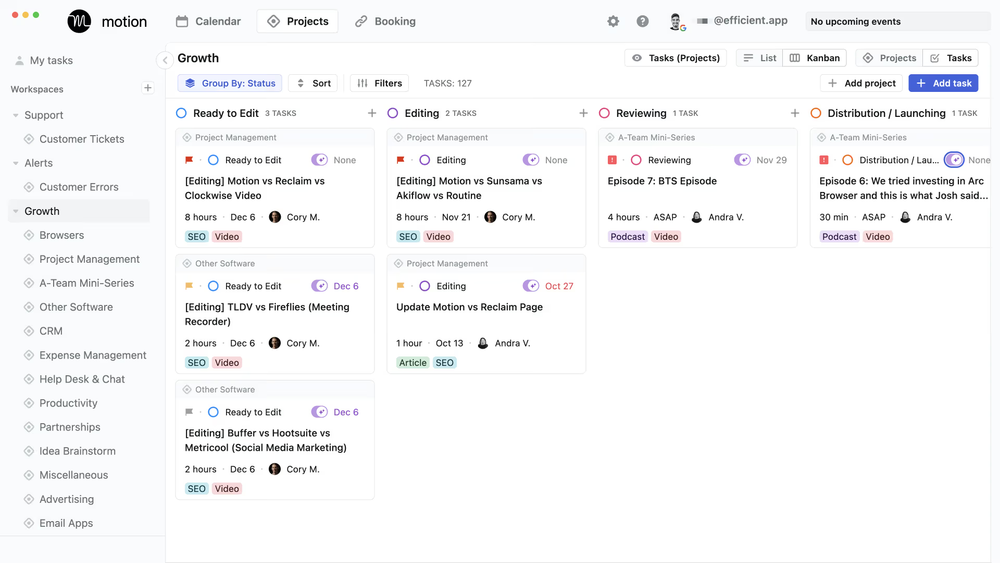
- Unified calendar view: Seamlessly syncs Google Calendar and Microsoft Outlook into one unified screen to cut down on meeting conflicts.
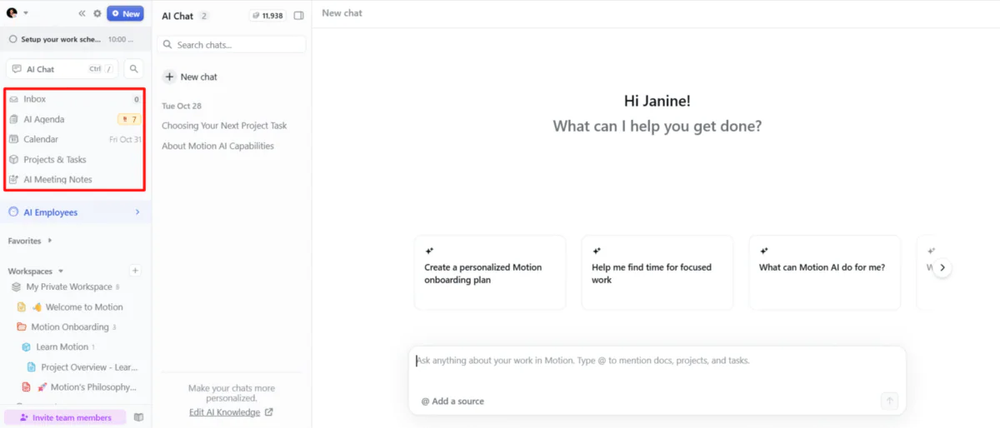
- Blocks out focus time: Automatically carves out dedicated focus blocks for deep work and protects my hours from non-essential calls.
- Built-in meeting booking links: Generate quick 15, 30, or 60-minute scheduling links that check across multiple connected calendars simultaneously.
Where it falls short:
- Lacks deep project management: It works great for daily scheduling and basic tasks, but it lacks the advanced project management features needed for complex team workflows.
- Steep onboarding curve: Connecting multiple calendars and dialing in custom work hours (day, night, personal) can feel overwhelming and takes patience to set up properly.
- Short 7-day trial: The one-week trial goes by fast, which often isn't enough time to fully test and adapt to its automated scheduling flow.
See my Motion alternatives roundup for how it compares against the rest of that specific category.
4. Reclaim.ai - best free alternative
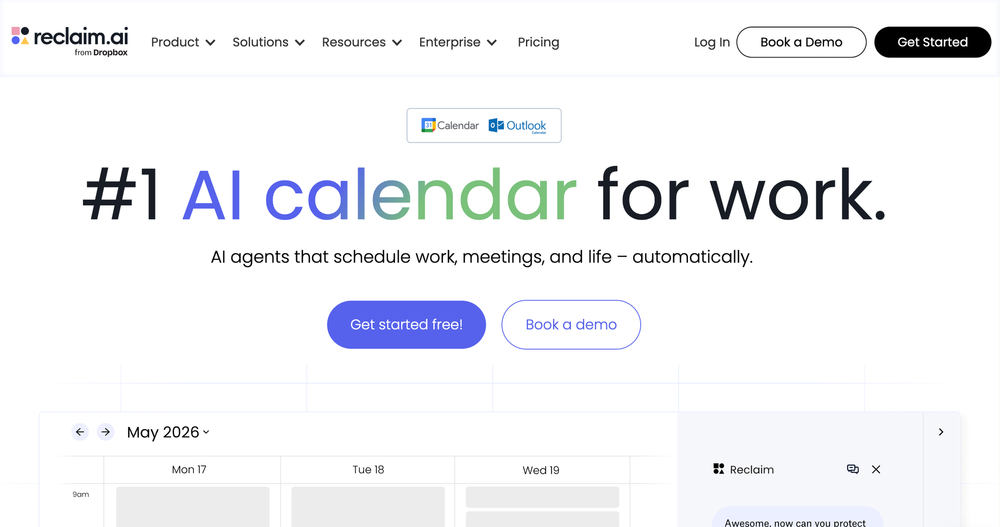
Worth naming for budget reasons alone: if your real need narrows down to "auto-schedule my tasks around my calendar," Reclaim does that job with a permanent free tier - something none of the broader AI-assistant products on this list offer.
- Price: Free plan available; paid tiers scale up from there
- Best for: People who want auto-scheduling without paying anything, and don't need inbox or document access
- Trade-off: No email triage, no proactive briefings, no document research - it's purely calendar and task automation
What it does best:
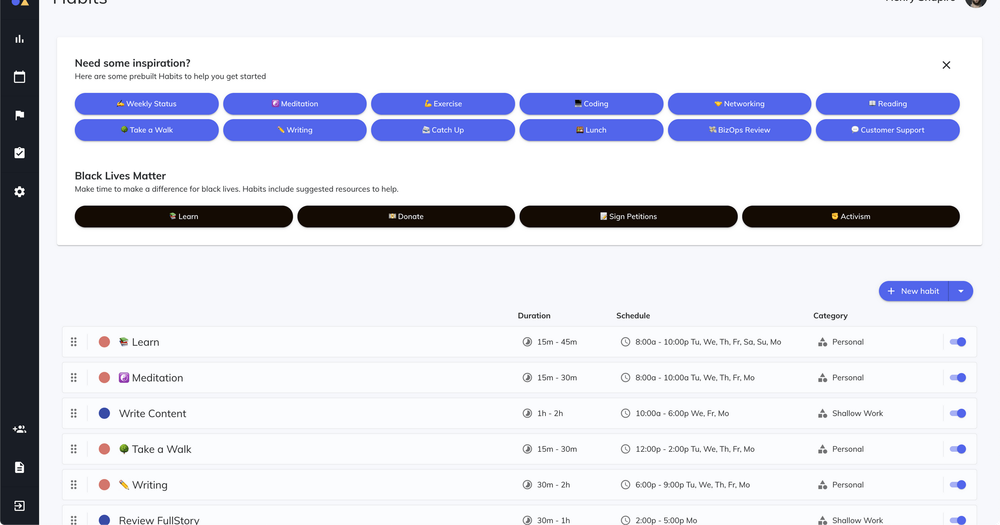
- Protects personal habits: It locks in daily habits, shifting them to the next free slot rather than letting meetings overlap them.
- Blocks out deep work automatically: It finds the best hours in week and locks them down so meetings cannot take over my whole day.
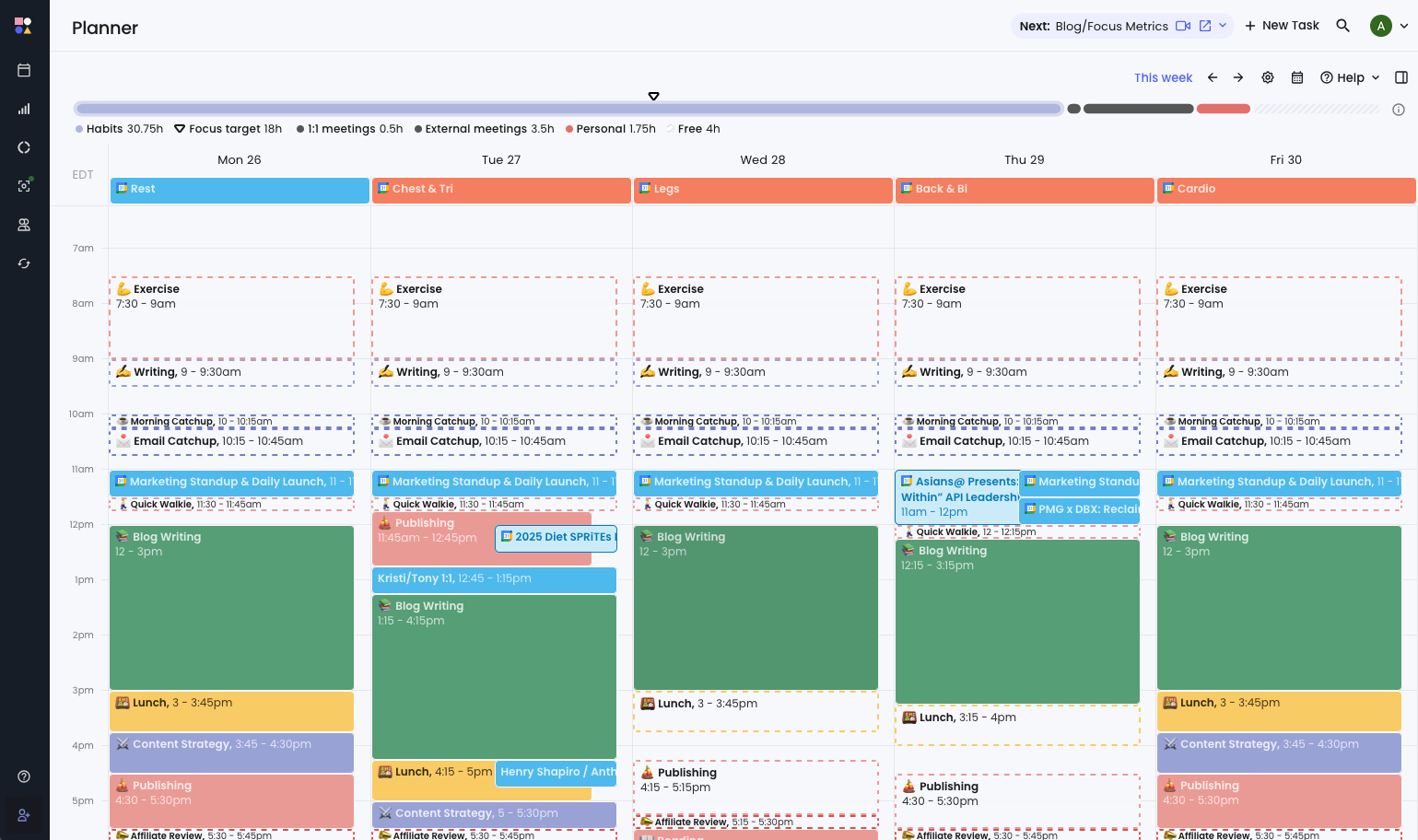
- Flexible time slots: The blocks it makes stay soft and open when my week is quiet, but turn hard and busy as my calendar fills up, keeping me open to chat until I truly run out of time.
- Pulls tasks from your other tools: Connect to tools like Todoist, ClickUp, Asana, or Linear, and it will pull actual work into calendar and schedule it before deadlines hit.
Where it falls short:
- There is no phone app: Adjust settings and rules on a laptop or desktop computer. On phone, I can only see the finished events inside regular calendar app.
- The schedule changes a lot: Because it is always trying to optimize day, blocks can shift around without warning.
- It is not a place for notes or messy thoughts: Reclaim only cares about dates, times, and rules. It cannot read a long, messy voice note or clean up an untidy email inbox.
Comparison between Town, Poke, Motion, Reclaim.ai, Saner.ai
| Tool | Free plan | Scope | Starting price | Best for |
| Town.com | Yes (30 chats/mo) | Full AI chief of staff | $15/month, credit-metered | Broad inbox/calendar/document automation |
| Poke | Yes | Texting-first personal assistant | ~$16/month | Casual, proactive texting assistant |
| Motion | No (trial only) | Calendar/task auto-scheduling | $19/seat/month | Pure scheduling automation |
| Reclaim.ai | Yes | Calendar/task auto-scheduling | Free | Free scheduling automation |
| Saner.ai | Yes | Proactive calendar/task/notes | $8/month, flat rate | Capture-first daily planning |
Which one from Town should you switch to?
- You want the "assistant with its own identity" idea, but cheaper and text-based: Poke
- Your real problem is that tasks don't reliably end up on your calendar, and you want it proactive without constant pings: Saner.ai
- You just need scheduling automation, not inbox or document access: Motion (paid) or Reclaim.ai (free)
- You want broad inbox, document, and business-tool automation and don't mind the price or the access footprint: Town remains a legitimate choice for that specific scope

How to make the switch from Town without losing anything?
- Audit what access you've actually granted before you migrate. Revoke Town's inbox and calendar permissions from your Google or Microsoft account settings directly.
- Start the new tool with read-only or draft-only permissions first. Whichever alternative you pick, don't grant full autonomous send/schedule permissions on day one, confirm it behaves the way you expect before loosening the leash.
- Export any routines or automations you built. If you've configured custom routines in Town, document what they do before cancelling so you can rebuild the useful ones elsewhere.
- Test with a real, messy week, not a quiet one. A calm week won't tell you whether the new tool handles chaos the way you need it to.
- Set a calendar reminder before any trial period ends, especially with credit-metered tools - it's easy to get billed for overage you didn't intend to use.
FAQ
Is Town.com worth $15–199 a month? If you want one assistant handling inbox triage, calendar, document research, and business-tool automation together, and you're comfortable with the access that requires, it's a capable, well-funded product doing something few others attempt at that scope. If your need is narrower, you're likely paying for breadth you won't use.
Does any Town alternative have a real free plan? Yes - Town itself has one (30 chats/month), and so do Poke, Reclaim.ai, Saner.ai. and Motion are subscription-only.
Is it safe to give an AI assistant access to my inbox? It carries real, documented risk - OWASP's 2026 security research specifically flags prompt injection against agents with private-data access and external communication ability as a fast-growing attack category.
What's the real difference between Town and Saner.ai? Town is a broad AI chief of staff covering inbox, calendar, documents, and business tools in one metered subscription. Saner.ai focuses specifically on turning unstructured input voice, email, notes into a scheduled calendar plan, at a much lower flat price and with a narrower access footprint.
Which alternative is cheapest overall? Reclaim.ai and Saner.ai both start free, with Saner.ai's paid tiers topping out at $16/month - a fraction of Town's metered pricing once you're past the Starter tier.