The 5 Best AI Assistants for iPhone (Siri Finally Showed Up. Is It Enough?)

Siri got a real brain this year. Took a while. 🐢

With iOS 27, Apple shipped a rebuilt Siri with its own app, follow-up questions, and the ability to look at what's on your screen. So the obvious question is whether you still need anything else on your phone.
Short version: for a lot of people, yes. But probably not five apps. One or two, picked for the job you actually need done.
This guide covers which AI assistant fits which iPhone owner, what each one can and can't touch on your phone, and how to set up whichever you pick so it's one button press away.
Quick answer: what's the best AI assistant for iPhone?
Siri (iOS 27) is best for hands-free phone control and personal context on an iPhone 15 Pro or newer. ChatGPT is the best general-purpose chat and voice assistant. Claude is best for writing and for adding events and reminders straight into Apple's own apps. Gemini is best if you live in Google Calendar, Tasks, and Keep. Saner.ai is best for turning messy thoughts, notes, and emails into a prioritized task list.
Most people do well with Siri plus one of these.
The comparison table
| Assistant | Best for | Talks to your iPhone apps? | Free tier? | Paid starts at |
|---|---|---|---|---|
| Siri (iOS 27) | Phone control, personal context | Yes, deepest (Messages, Mail, Photos, Notes, Calendar) | Built in | Free |
| ChatGPT | General chat, voice, brainstorming | Through Siri's ChatGPT integration and Shortcuts | Yes | About $8/mo (Go) |
| Claude | Writing, Apple Calendar and Reminders | Yes: Calendar, Reminders, Maps, drafts in Messages and Mail | Yes | Pro plan (see current pricing) |
| Gemini | Google Workspace users | Google Calendar, Tasks, Keep, Maps | Yes | Google AI plans |
| Saner.ai | Tasks, notes, ADHD-friendly planning | Pulls from email, Drive, Slack, Calendar | Yes | $8/mo (web) |
Prices move a lot. Treat the right-hand column as a starting point and check each app's pricing page before you subscribe.
The best AI assistants for iPhone, by job
1. Siri (iOS 27): best for controlling your phone
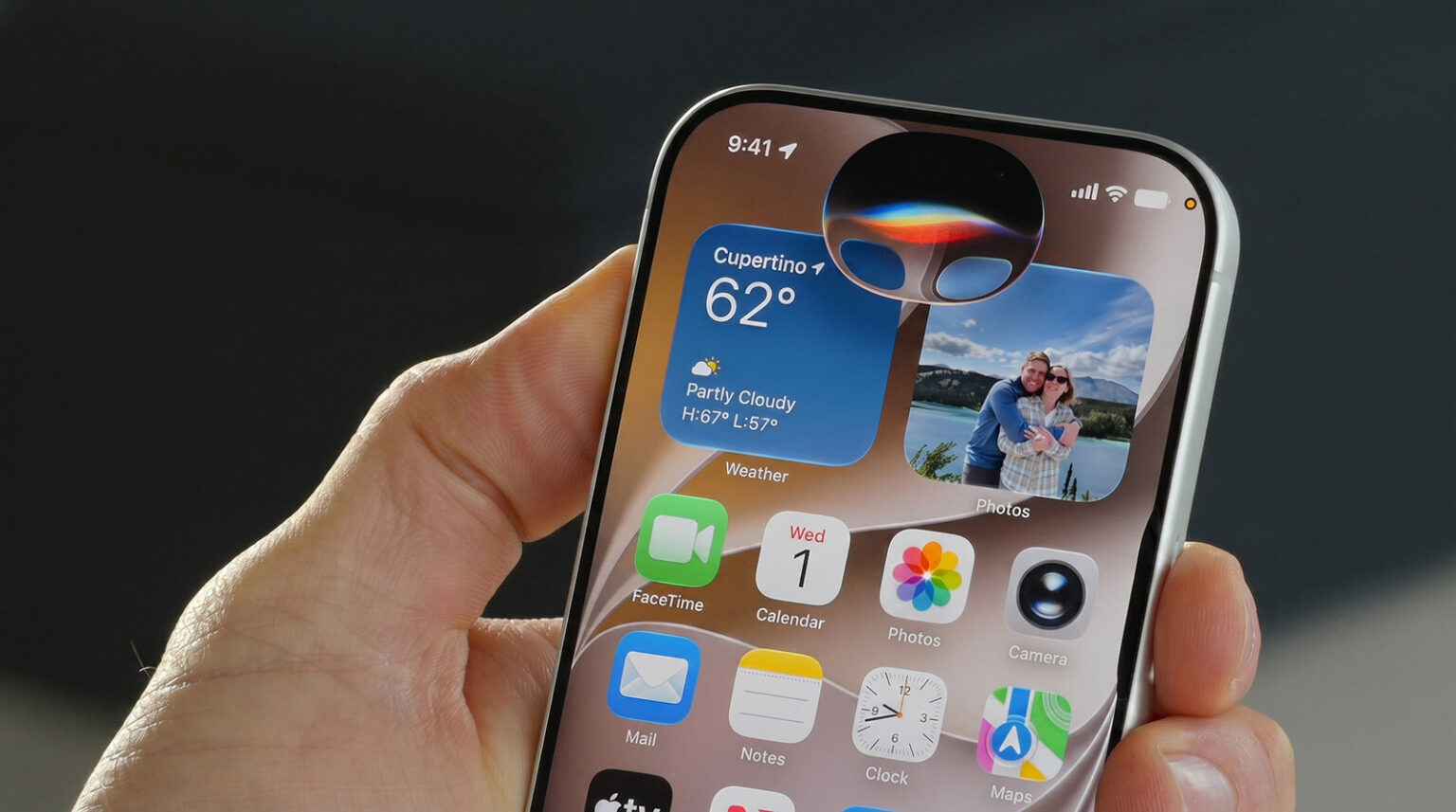
Who it's for: anyone on an iPhone 15 Pro or newer who mostly wants their phone to do things, not write essays.
Siri's advantage is access. No third-party app can read your Messages and Photos the way Siri can, and no third-party app can act across Apple's own apps as smoothly. That's a privacy design choice by Apple, and it isn't changing.
Use it for:
- "Find the PDF Maya sent me last week"
- "Add this address to her contact" (while looking at a text)
- "Remind me to call the dentist when I get to work"
- Timers, alarms, Focus modes, HomeKit, CarPlay
Skip it for: long writing, research you need to cite, or anything you want to plan across days. It's a conversation partner now, but it isn't a planner.
Price: free with your phone.
2. ChatGPT: best all-rounder
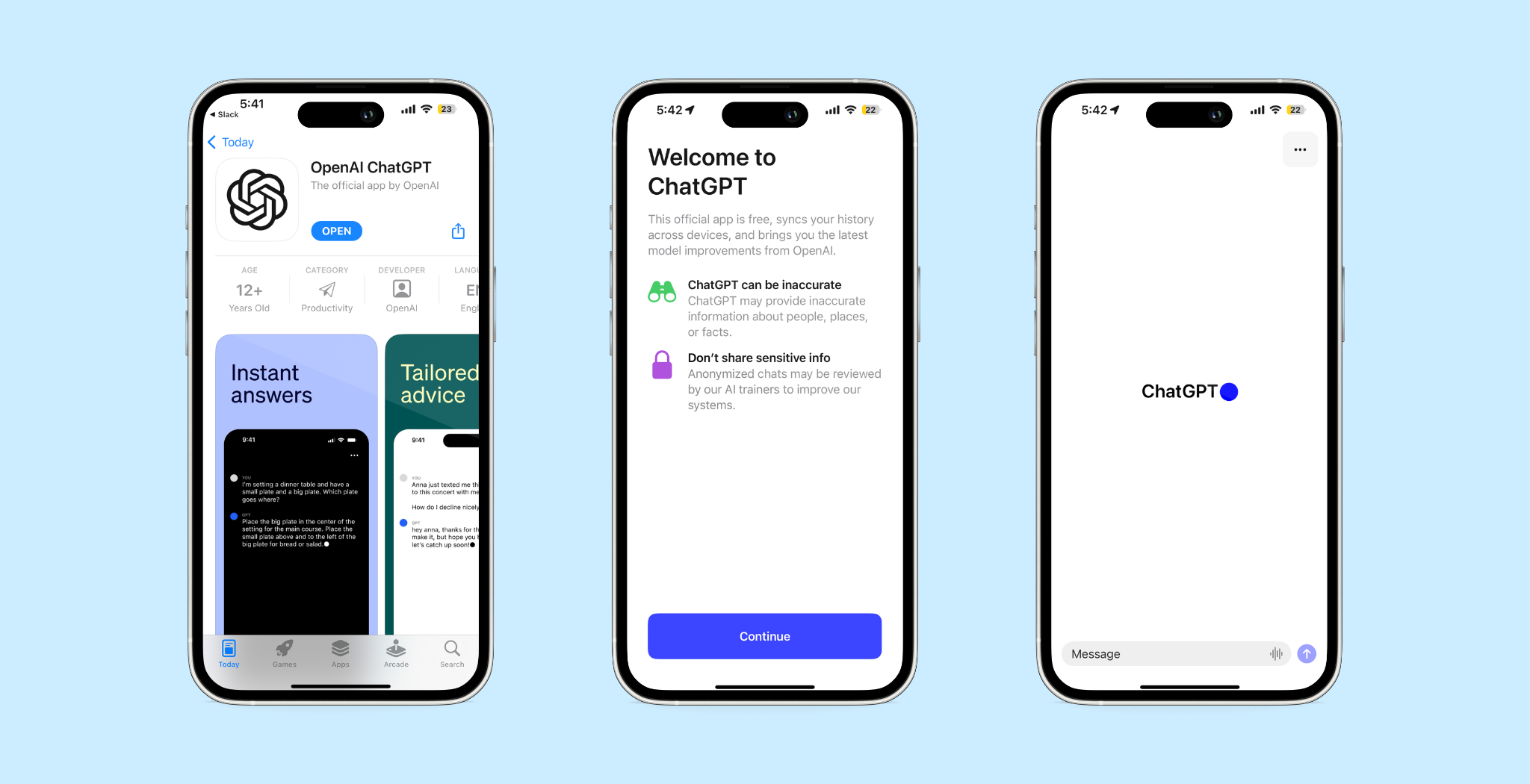
Who it's for: people who want one app that can do a little of everything, especially by voice.
ChatGPT is still the default answer when someone asks "which AI app should I download?" and there's a reason. Voice mode is good for thinking out loud on a walk. It handles photos, files, and quick questions. And because Siri already hands off to it, it's the most natively connected third-party option on iPhone today.
Use it for:
- Talking through a decision while you drive (hands-free, please 🚗)
- Snapping a photo of a menu, a form, or a whiteboard and asking about it
- Drafting a message, then pasting it where it needs to go
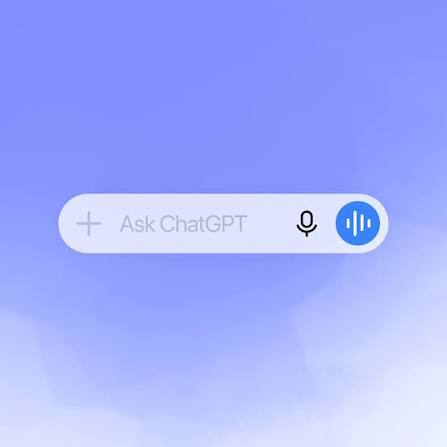
Watch out for: it doesn't natively add things to Apple Reminders or Calendar on its own the way Claude does. You can bridge that with Shortcuts, but that's setup work.
Price: free tier; Go is about $8/month, Plus $20/month, Pro tiers at $100 and $200
If you're curious how far ChatGPT gets as a planner, our guide to using AI as a personal assistant covers the habits that matter more than the app.
3. Claude: best for writing and Apple Calendar/Reminders
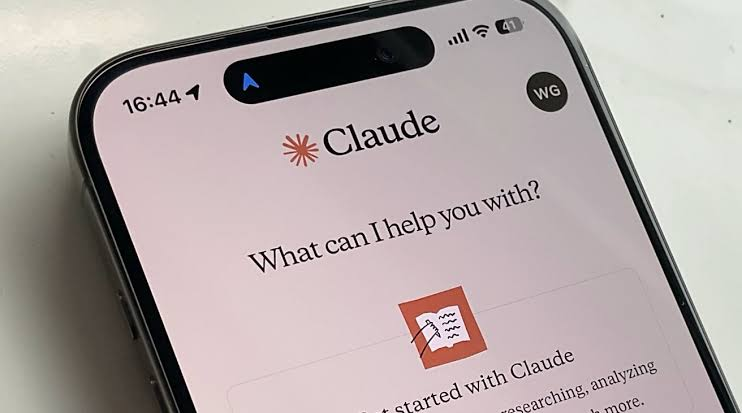
Who it's for: people who write a lot and want an assistant that can actually drop things into Apple's own apps.
This is the one most people don't know about. Claude's iPhone app connects to Apple apps directly (Claude Help Center):
- Calendar: checks your availability and creates events
- Reminders: adds items to your existing lists with due dates, priorities, and notes
- Messages and Mail: drafts a text or email and opens it pre-filled for you to review and send (it doesn't read your inbox)
- Maps: shows suggested places and opens them in Apple Maps
- Health (beta): reads Apple Health data and charts trends, on Pro or Max plans, US only
One limit worth knowing: Claude can add to Reminders lists but can't create or rename the lists themselves. Make your lists first.
Price: free tier with limits; Pro and Max are paid. Check current pricing on Anthropic's site.
4. Gemini: best if you live in Google
Who it's for: iPhone owners whose real calendar and to-do list sit in Google, not Apple.
Lots of people use an iPhone and run their life in Gmail and Google Calendar. If that's you, Gemini is the natural pick. Gemini Live on iOS can reach Google Calendar, Google Tasks, Google Keep, and Google Maps, and you can ask general things like "do I have any reminders today?"
Use it for:
- "What's on my calendar Saturday, and is there a gap for a two-hour hike?"
- Saving a quick list into Keep by voice
- Planning a route and checking place details in Maps
Watch out for: it won't help you with Apple Reminders or Apple Calendar. Pick the assistant that matches where your data lives. That one decision matters more than which model is "smartest."
Price: free tier; Google's paid AI plans unlock more.
5. Saner.ai: best for turning chaos into a task list
Who it's for: people whose problem isn't "I need answers" but "I have 40 things in my head and no idea which one to do first." Especially if you have ADHD or just a very loud brain.
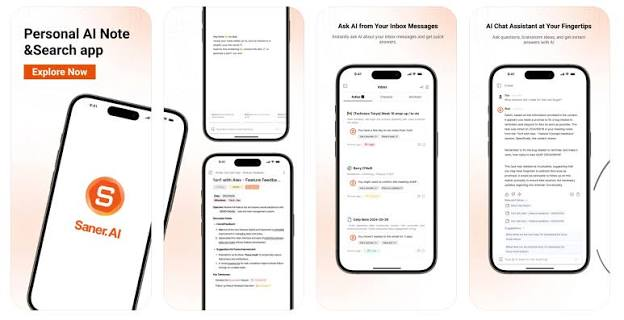
Every assistant above is good at the moment you ask it something. None of them is built to hold your whole week. That's the gap Saner.ai fills. On iPhone, its App Store listing describes it as an AI productivity app that sorts, ranks, and summarizes your notes and tasks and suggests next steps (App Store). In practice that means:
- Brain dump to tasks: type or paste a messy list, get organized tasks with reminders
- Task pull-in: tasks extracted from emails and documents, plus the ones you type
- Skai assistant: ask questions about your own notes ("what did I decide about the venue?")
- Integrations: Gmail, Google Drive, Slack, and Calendar in one searchable place
- Morning guidance: a suggested plan for what to tackle today
Use it for:
- Emptying your head at 11 p.m. so you can actually sleep on it (and wake up to a list)
- Catching the "can you send me that by Friday?" buried in an email thread
- Deciding what matters today instead of re-reading your whole list
Watch out for: it's not a voice-first phone controller, and it doesn't replace Siri for timers or texts. Pair them.
Price: free plan; Starter $8/month and Standard $16/month on the web (Saner.ai pricing). The App Store lists higher in-app prices, so buying on the web is usually cheaper.
If brain dumps are your thing, here's our full walkthrough on how to brain dump with AI. And if focus is the core struggle, see our picks for the best AI assistants for ADHD.
Which iPhone AI assistant should you pick?
Answer three questions and you're done.
1. Where does your calendar live?
- Apple Calendar and Reminders → Siri + Claude
- Google Calendar and Tasks → Siri + Gemini
- Both, or "everywhere, sadly" → Saner.ai to pull it together
2. What do you ask an assistant for most?
- "Do this on my phone" → Siri
- "Help me think or write" → ChatGPT or Claude
- "Find out and show me the source" → Perplexity
- "Tell me what to do next" → Saner.ai
3. What phone do you have?
- iPhone 15 Pro or newer → you get the new Siri; add one more app
- Older iPhone → Siri stays the old version; a third-party assistant matters more for you
Quick picks by person
- Busy parent: Siri for timers and texts, Claude for adding school events to the family calendar
- Freelancer or founder: Saner.ai for tasks pulled from email, ChatGPT for drafting
- Student: Perplexity for research with sources, Siri for reminders
- Google Workspace employee on an iPhone: Gemini, no contest
- "I just want one app": ChatGPT, because Siri already talks to it
Want broader picks beyond iPhone? Our list of the best AI personal assistants covers desktop and cross-platform tools, and the best AI calendar assistants goes deep on scheduling.
Common mistakes to avoid
- Installing four assistants. You'll use none. Pick Siri plus one.
- Picking by benchmark instead of by data. The "smartest" model is useless if it can't see your calendar.
- Hiding the app on page three. If it's not on the Action Button or Lock Screen, it doesn't exist.
- Never reviewing what it captured. A quick weekly review with AI keeps your lists from turning into a junk drawer.
- Expecting it to remember everything forever. Most chat assistants forget context between conversations unless you set up memory. If you need a long-term memory for your notes, look at an AI second brain instead.
FAQ
What is the best free AI assistant for iPhone?
Siri is the best free option if you have an iPhone 15 Pro or newer, since iOS 27's new Siri is built in. For a free third-party app, ChatGPT's free tier is the most versatile, and Claude's free tier is the best free option for adding events and reminders to Apple Calendar and Reminders.
Can I replace Siri with ChatGPT on iPhone?
Not fully. ChatGPT is integrated into Siri, so Siri can hand requests to it, but you can't make ChatGPT the system assistant. The practical workaround is putting ChatGPT on the Action Button.
Which iPhones get the new Siri in iOS 27?
The new Siri and Apple Intelligence require an iPhone 15 Pro or later. The standard iPhone 15 and older models can install iOS 27 but don't get the AI features.
What's the best AI personal assistant app for iPhone for tasks?
For task management specifically, Saner.ai is built for capturing and prioritizing tasks from notes and email. Claude is a good pick if you want tasks to land in Apple Reminders.
See my full list of the best AI task managers for more.
The takeaway:
You don't need the perfect assistant. You need one you'll actually press.
- Check your phone model. iPhone 15 Pro or newer? Turn on Apple Intelligence in Settings and try the new Siri for a day.
- Pick one second assistant using the "where does my calendar live?" question.
- Put it on the Action Button or Lock Screen.
- Grant only the permissions that match its job.
- Run the one-week test and keep whichever you actually used.
Then stop shopping for apps and start using the one you've got. Your to-do list won't shorten itself. Though, to be fair, some of these apps are getting close. 📱



